PhotoCraft: ArtCraft, Downloads
and PhotoCraft MCP
Explore PhotoCraft from ArtCraft: try the editor, find downloads and source guides, or set up
PhotoCraft MCP. Create images and videos with our separate AI tools.
Create with PhotoCraft
Edit in PhotoCraft or create with our separate AI tools.
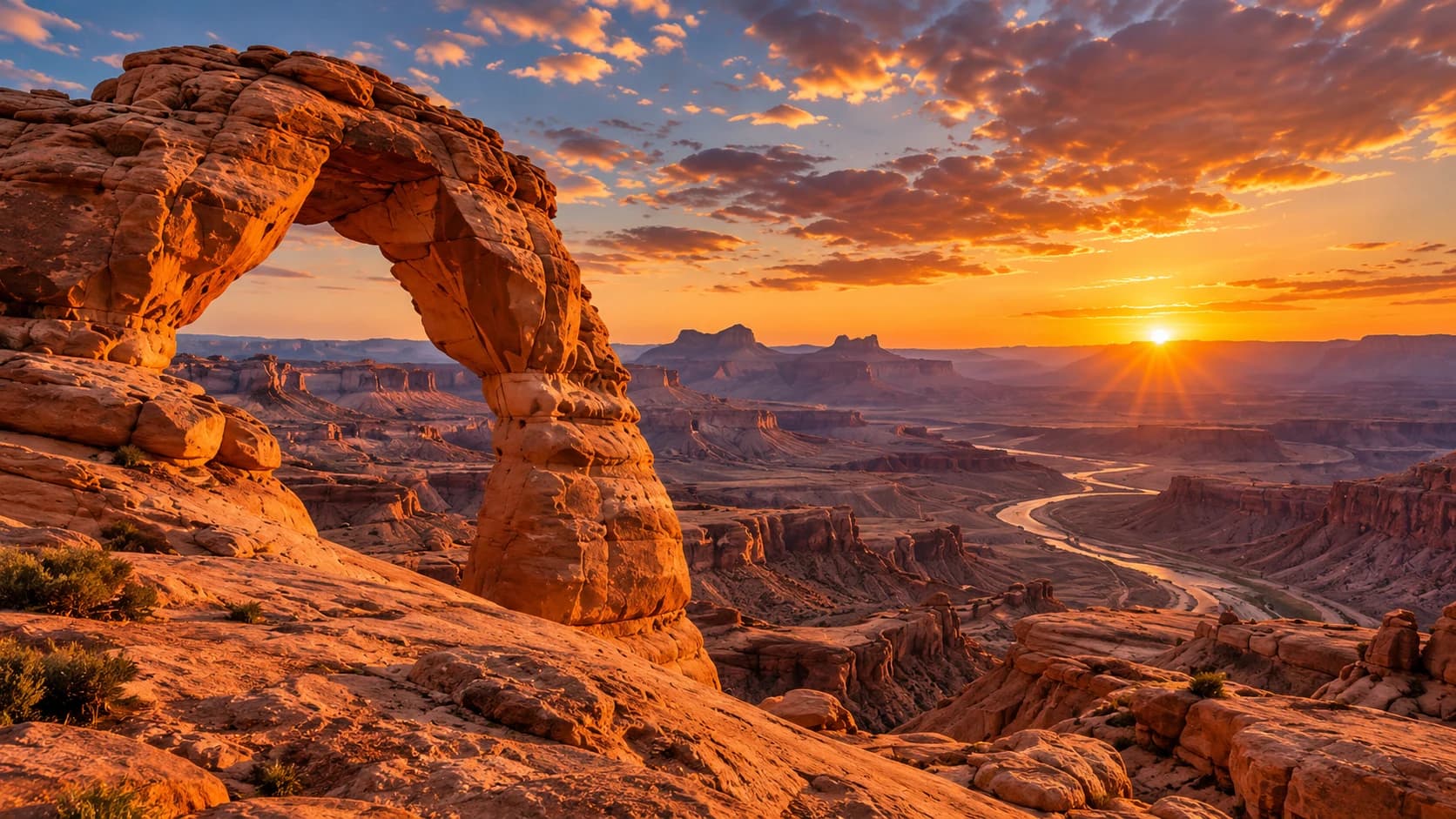 SAMPLE PREVIEW
A little edit. A new perspective.
Start with a sample, or bring your own image. Your files stay in your browser.
- Open an image
- Adjust your canvas
- Export your work
AI video effects
Pick an effect and its preset fills in the prompt, model, ratio and duration. Change anything you like, check the credit quote on the button, then generate.
- Pick an effectWatch the sample clips and choose a preset scene.
- Upload your photoFix the still in the editor first: crop it, paint out what you don't want, add text.Open the editor
- Check the quote and generateThe button shows the exact credits before you submit.
 Image to Video · one head-to-waist photoGTA 6 Loading ScreenA fan-made loading-screen clip from your photo: a moment of real footage, a white flash, then you repainted as a sunset poster with thick outlines, palm trees and a coastal skyline.2 presetsfrom 38 creditsOpen effect
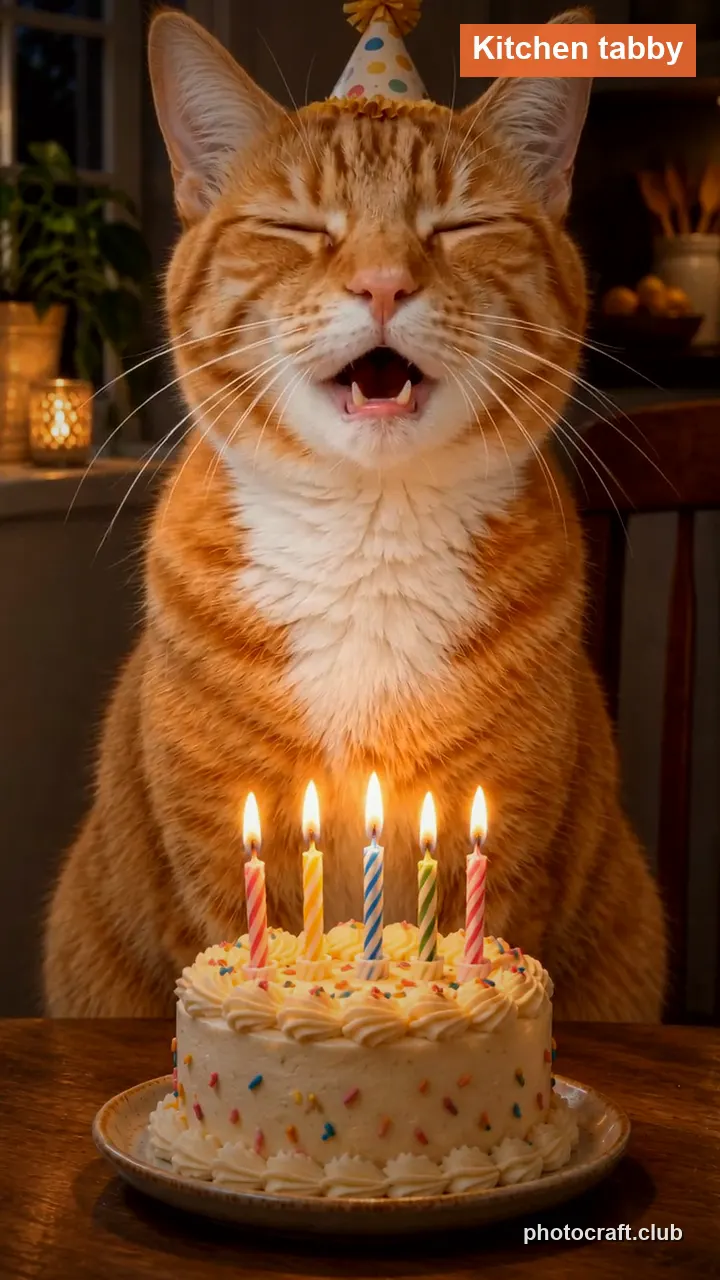 Image to Video · one birthday pet photoSinging Birthday CatA birthday clip from your pet photo: your cat sings an original tune in meows behind its cake, holds a long note with its chin up, and the candles go out.2 presetsfrom 38 creditsOpen effect
 Image to Video · one whole-body pet photoGTA 6 Jet Ski DogA GTA 6 jet ski dog clip from your pet photo: your dog in a life vest waits at the handlebars on open sea, a swimmer climbs on behind, and the jet ski pulls away in a trail of spray.2 presetsfrom 38 creditsOpen effect
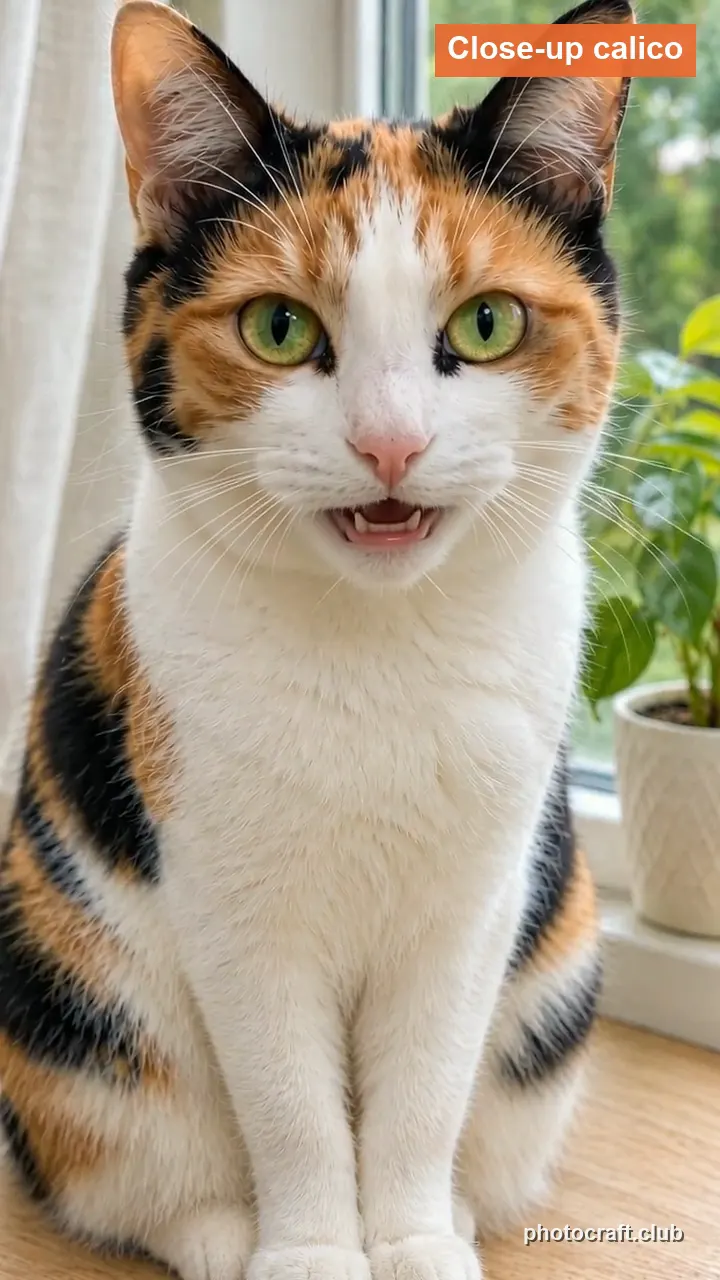 Image to Video · one close-up pet photoYou Are Nice You Are PrettyA talking pet clip from your photo: your cat or dog looks into the lens, says four sweet lines in a tiny voice, then its face freezes in a droopy-eyed glitch.2 presetsfrom 38 creditsOpen effect
Write your own prompt with the same models and credit quote.
Blank Image to Video Blank Text to VideoWhat is PhotoCraft, and how is it related to ArtCraft?
PhotoCraft is an open-source image editor in the ArtCraft app family. The editor, ArtCraft's generation studio and the AI tools on this site have different roles. Use our guide to understand the relationship and choose the right workflow.
Understand ArtCraft & PhotoCraftWhere is the official PhotoCraft GitHub repository?
The upstream PhotoCraft repository is storytold/photocraft on GitHub. Our source guide explains how to find the code, match a release to its documentation and check the project identity before downloading or setting up MCP.
Read the PhotoCraft source guideWhere can I download PhotoCraft?
Use our download guide to choose a PhotoCraft build for your system and verify its official source. Check the version and architecture before installing; the desktop release and this site's demo may use different versions.
View download instructionsFind the right build for your system
Choose Windows, macOS or Linux above. Match the build to your CPU architecture before downloading.
Version 0.10.0 · Check the SHA256SUMS
SAMPLE PREVIEWCan I try PhotoCraft online?
Try a sample in our PhotoCraft demo before opening your own files. Check the tested version and saving instructions, then compare the exported result. Browser behavior can differ from the desktop build, especially for complex PSD documents.
- OpenChoose an image from your device.
- EditAdjust the image in your browser.
- ExportDownload a copy of your work.
What does PhotoCraft MCP do?
PhotoCraft MCP lets a compatible assistant work with the editor through its supported integration. Our guide explains documented local modes and workspace permissions, with a tested Windows headless open, edit and save example using a Python protocol client. Desktop bridge and AI assistant hosts remain untested.
- 1
Connect
Link a compatible assistant to PhotoCraft MCP.
- 2
Grant workspace access
Choose only the folders your task needs.
- 3
Edit & save
Ask your assistant to edit and save the result.
Run the editor engine through the local CLI. Grant only the folders your task needs.
Connect to a running desktop editor over authenticated loopback. The desktop process owns folder permissions.
Is PhotoCraft a Photoshop alternative?
Compare PhotoCraft and Photoshop by the task you need to finish. Our guide separates documented support from tested behavior and explains how to check saved PSD files in the receiving application. No Photoshop round trip has been tested here.
| Your task | PhotoCraft | Photoshop | Evidence & conditions |
|---|---|---|---|
| PSD text | Simple headless sample tested | Not tested | 0.8.2 CLI: edit, save, reopen; check your document's fonts. |
| Layers & effects | Documented | Not tested | Rendering can differ. Inspect the target document. |
| Export & reopen | Documented | Not tested | A cross-application round trip needs its own test. |
Reopening in PhotoCraft does not verify Photoshop compatibility.
Which PhotoCraft workflow should I start with?
Start with the task you want to finish: edit PSD text, prepare an image, or automate an edit with MCP. Follow the guide, keep an editable copy and check the exported result before moving to the next step.
01Edit PSD text → Export
Download the editable PSD, changed text and PNG from our 0.8.2 headless test.
Create a background → Build your layout
Generate a background, save it, then open it in PhotoCraft.
PhotoCraft MCP → Open, edit, save
Follow the tested headless protocol example. AI assistant hosts and desktop bridge remain untested.
Are PhotoCraft and ArtCraft the same thing?
PhotoCraft is an editor in the ArtCraft app family. ArtCraft’s generation studio and this site’s AI tools are separate services with their own features and terms. Read the guide
Where should I get PhotoCraft?
Use our download guide to select a build and find its official source. The upstream code is maintained in the Storytold PhotoCraft repository. Read the guide
Does PhotoCraft MCP run in this web page?
This site’s AI form is not a PhotoCraft MCP server. Use our MCP guide for the supported editor, client and local integration setup. Read the guide
Is AI generation here free?
AI generation uses credits based on the selected model and output settings. Check the displayed quote and your account balance before submitting. You can purchase one-time credit packs on the pricing page. The browser editor does not require AI credits. Read the guide
Is there a subscription?
No. One-time packs are $9.90 for 250 credits, $29.90 for 1,000 credits and $49.90 for 2,200 credits. Check Pricing for purchase availability. Model and output parameters determine credit use. Read the guide
Will my PSD look exactly like it does in Photoshop?
Do not assume full compatibility. Follow our PSD guide and check text, fonts, layers and the saved result for your version. Photoshop round-trip behavior has not been tested by this site. Read the guide
Are my files uploaded?
The browser editor processes files locally. Cloud AI reference images are sent through our server to KIE when you submit. KIE upload links expire after 24 hours and generated links after 14 days. Read the guide
Is PhotoCraft.club official?
No. This site provides its own guides, a hosted upstream web build and separate AI tools. It is not affiliated with or endorsed by the PhotoCraft or ArtCraft developers. Read the guide