- Latest download release
- 0.10.0
- Release sources checked
- October 18, 2026
- Hosted browser engine
- 0.10.0
- Site relationship
- Independent guide and hosted demo
- PSD compatibility
- Not independently round-trip tested in Photoshop
Start with a copy, then inspect the text
Keep the original PSD. In the full PhotoCraft editor, open a copy and inspect the Layers panel. A type layer can be edited as text; rasterized letters are pixels and cannot be changed by typing.
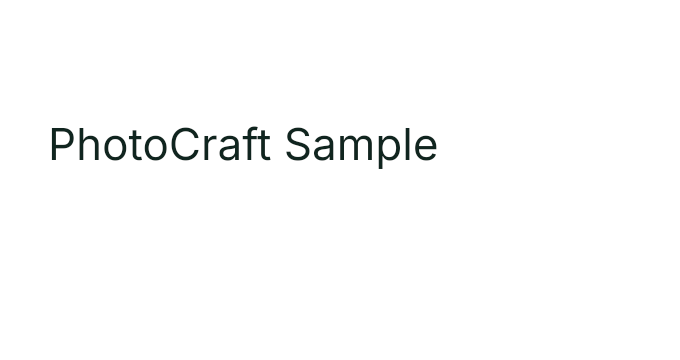
Download our 680 × 360 PSD with an editable Inter Regular text layer, “PhotoCraft Sample”. PhotoCraft.club created this practice document; you may copy and modify these sample documents. Upstream software and font licenses remain separate.
Download editable PSD (68 KB)View the source preview. Keep the original and work on a copy. This simple text document contains no effects, masks or complex layout.
For the separate flat-image browser exercise, use the canyon sample below. It is not a PSD.
Download canyon sampleTry the sample adjustment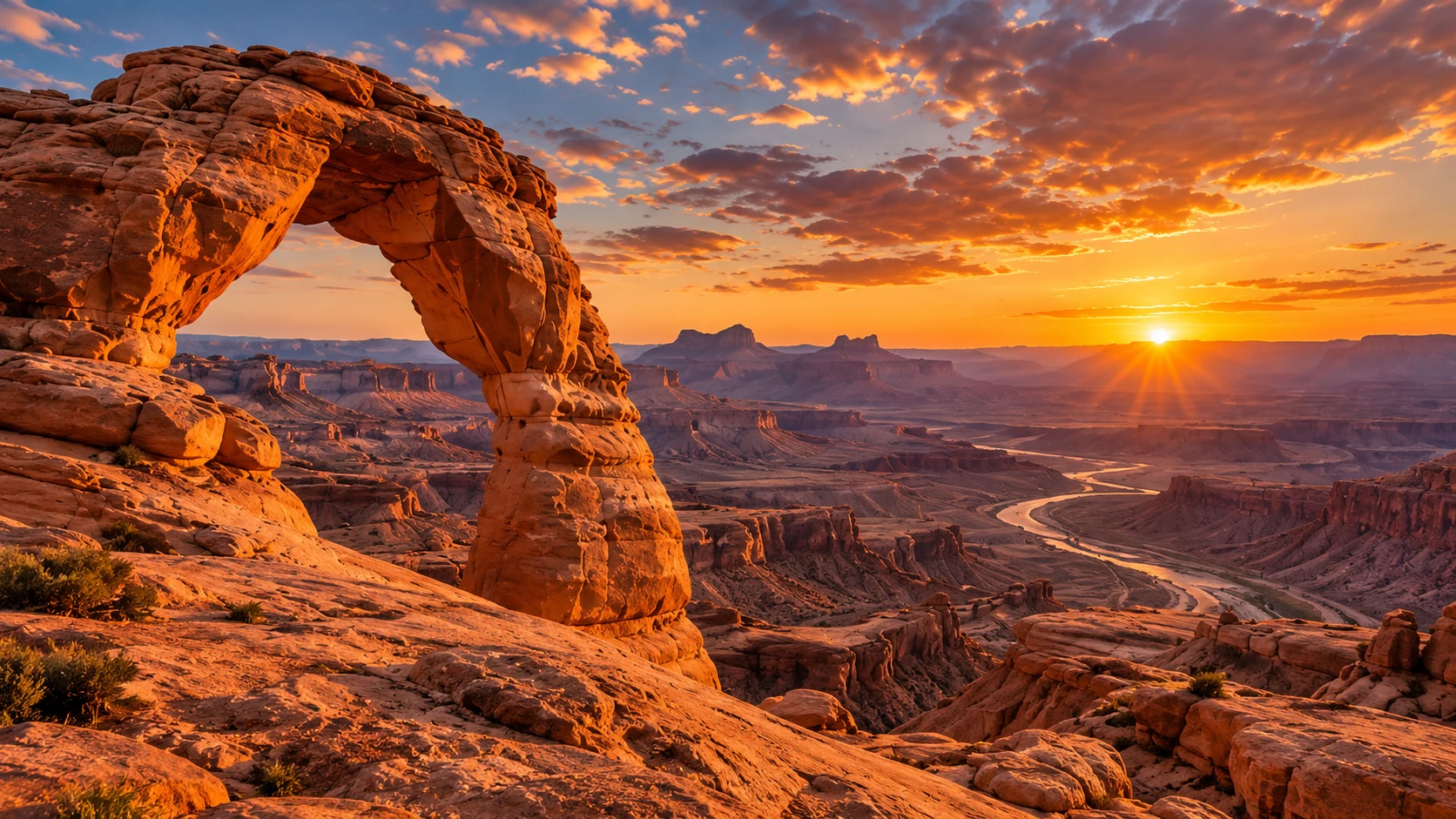
How do I edit a real type layer?
- Launch the full PhotoCraft 0.10.0 editor and use File → Open for your PSD.
- Select the type layer and check the font, weight, size and wrapping.
- Make a small text change. Compare bounds, alignment and any layer effects.
- If a font is missing or the layer is rasterized, preserve the original and resolve that issue before continuing.
These are upstream-supported workflow steps, not an independently verified Photoshop round trip for your document.
In our tested headless path, doc_open opened the source PSD, command_run with type.info confirmed the type layer, and type.edit with {"text":"PhotoCraft Edited"} changed the text. We saved a new PSD, exported PNG and reopened the PSD; a second type.info returned “PhotoCraft Edited”. See the MCP test record.
Save an editable copy, export a flat result
Save As keeps a separate editable document. Export produces a deliverable image such as PNG. Exporting a flat PNG does not preserve editable text and layers.
After exporting, reopen the file and compare size, transparency, fonts, effects and edge quality. For PSD delivery, also reopen the saved PSD in the target application and version.
PhotoCraft workflow record: source file, editor version, export result
- Source: title-source.psd, 680 × 360, white background and editable “PhotoCraft Sample” type layer, Inter Regular 44 pt.
- Environment: official Windows x64 CLI 0.8.2, headless MCP, Python 3.11.9 stdio client, Windows NT 10.0.26200. Tested October 15, 2026; release archive verified against the official SHA-256.
- Output: editable PSD (66 KB) and PNG (680 × 360). Reopening the PSD preserved the edited text as a type layer. The PNG was visually checked.
- Tool arguments, responses and file hashes. Browser PSD text editing, desktop bridge and Photoshop round trips remain untested.
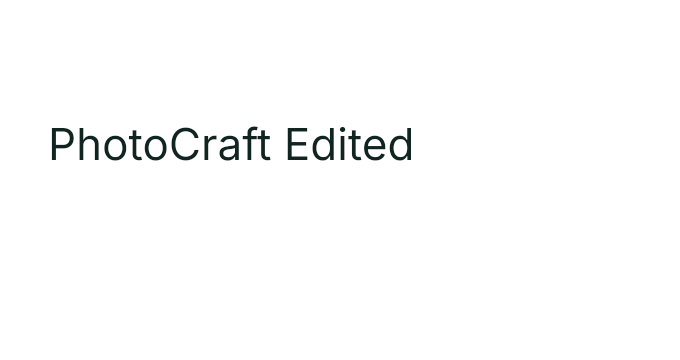
The successful simple text test is not evidence of full PSD compatibility. For the separate flat-image browser check, see the canyon rotation record.
Bring a generated background into your layout
Generate and download a background, open it in PhotoCraft, then add your text and layout. To animate a finished still, save it and upload it to the image-to-video tool. Those uploads go to KIE; local editing does not.
Create a backgroundAnimate a stillFor a new image variation, export a flat copy and use image-to-image. Before a layered delivery, check the Photoshop comparison.
Frequently asked questions
Can every PSD text layer be edited?
No. A rasterized layer contains pixels. Missing fonts, unsupported effects and document-specific behavior can also change the result. Inspect a copy before editing.
Does exporting PNG preserve layers?
No. Keep a separate editable document, then export PNG for the flat deliverable.
Has this site tested PSD text editing?
Yes, for one small sample using the official 0.8.2 Windows x64 headless CLI: open PSD, inspect editable text, change it, save, export PNG and reopen the PSD to inspect the changed text. Browser PSD text editing and Photoshop compatibility were not tested. The online editor has a separate single-layer PSD save and reopen check.
How should I check a PSD delivery?
Reopen the saved document in the receiving application's exact version, compare rendering and inspect editable layers, fonts and effects.
What if a font is missing or I need to restore the original?
Keep the original PSD unchanged and edit a copy. Check the expected font and substitution before changing text. Reopen the original if the copy is unsuitable; the browser does not provide server-side document recovery.
How do I check export size and effects?
Inspect pixel dimensions, transparency, text and effects against a source reference. The editable text sample and its PNG output are 680 by 360 pixels. The separate canyon rotation exercise starts at 1672 by 941. Neither sample establishes compatibility for your PSD.