Tabby stretches on the windowsillWindow Stretch presetUse this preset
Make your pet photo to video AI clip
Pick a starting scene. It fills the prompt, model, ratio and duration below; edit anything, check the credit quote, then generate.
Fix the still in the editor first: lift dark fur, straighten the horizon, crop to 9:16 and paint out the leash, then Export and upload the image here. Open the editor in a new tab
Preset: Run to Me · filled in for you
Your clip appears hereAbove: what this preset made in our sample. Yours keeps your own still.
AI content needs review. Use only photos and prompts you have permission to process, and never upload a stranger or a child. Image references are uploaded through our server to KIE only when you submit. Results use temporary provider links. Privacy & retention · Credit rules.
Pet photo to video AI examples from fixed photos
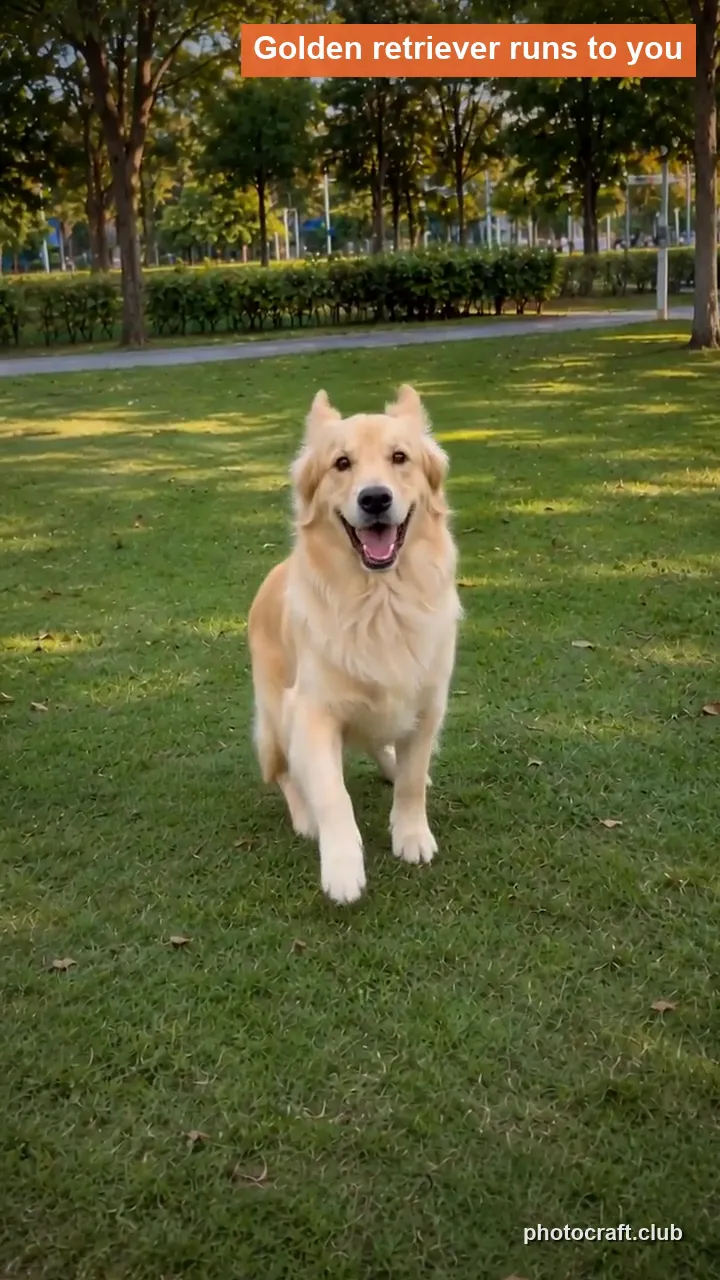
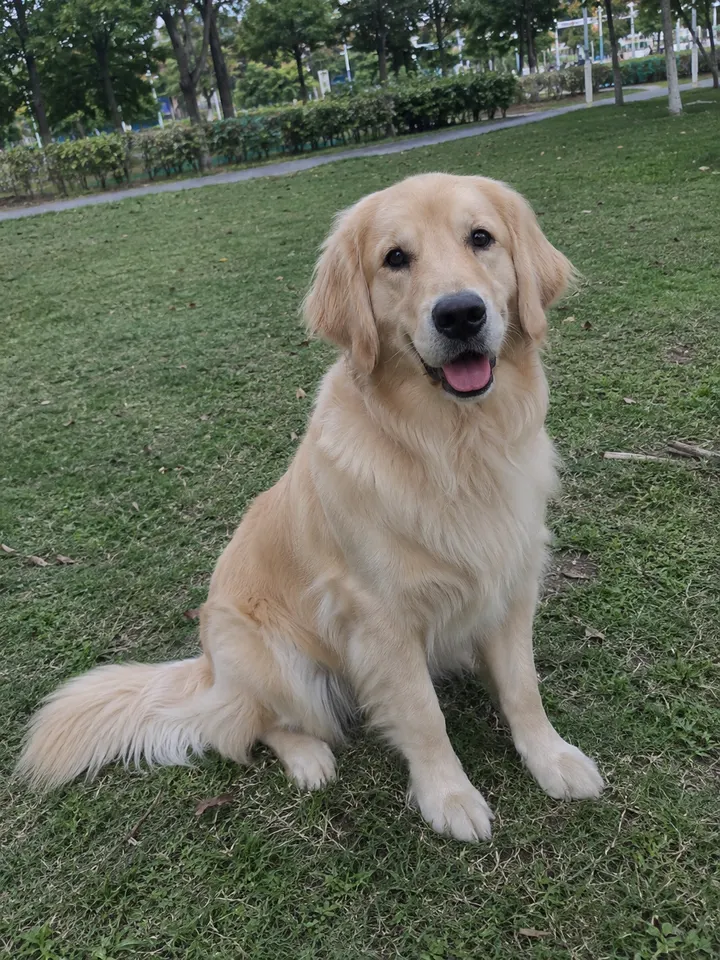
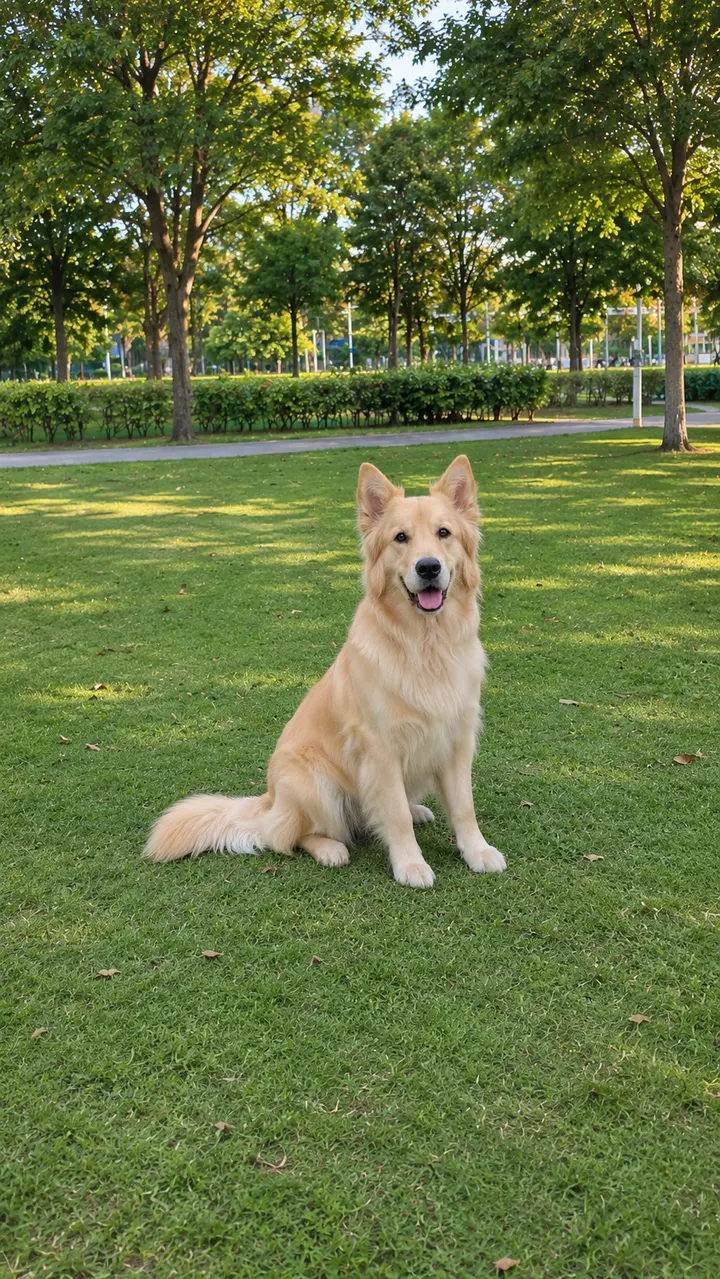
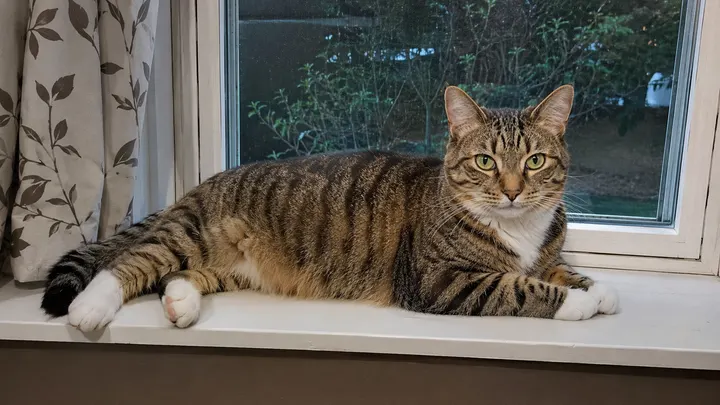
A golden retriever shown three ways: the phone snap, the fixed still and the clip where it runs to the lens; plus a tabby stretching on a windowsill, shown the same way.
PhotoStill (first frame)Clip · 9 sec
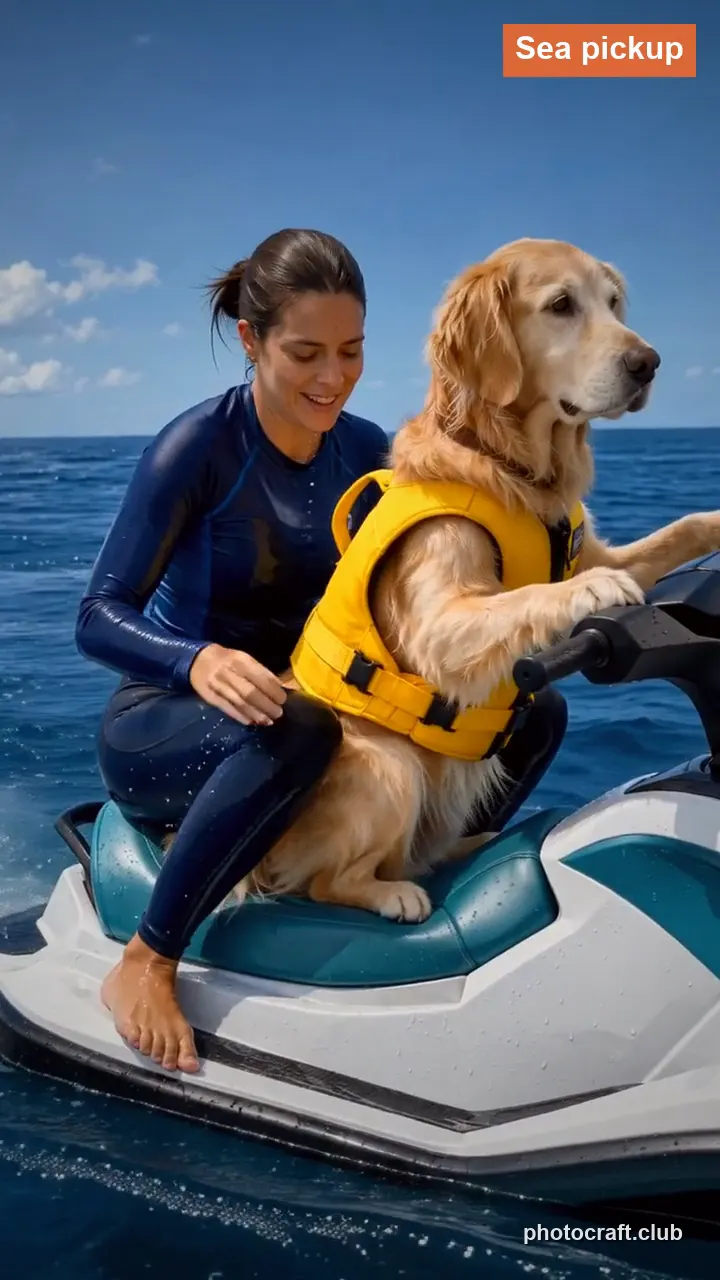
Golden retriever runs to you
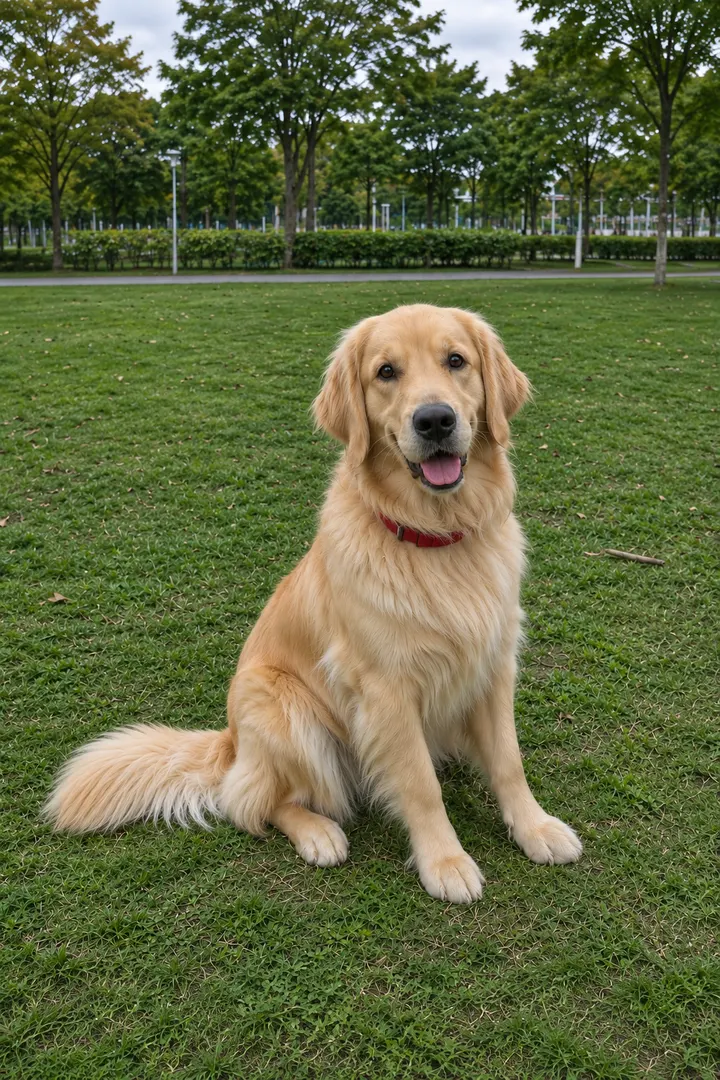
An AI golden retriever sits on park grass with its ears up, trots straight at the camera and ends with its nose filling the frame. Input requirement: one sharp upright 9:16 pet photo with full body and clear eyes, leash and clutter removed. Original acoustic music included.
Sample clip made with Seedance 2.0 Fast (9:16 vertical, 720p, audio on) from a single fixed pet photo.Use the Run to Me preset
PhotoStill (first frame)Clip · 8 sec
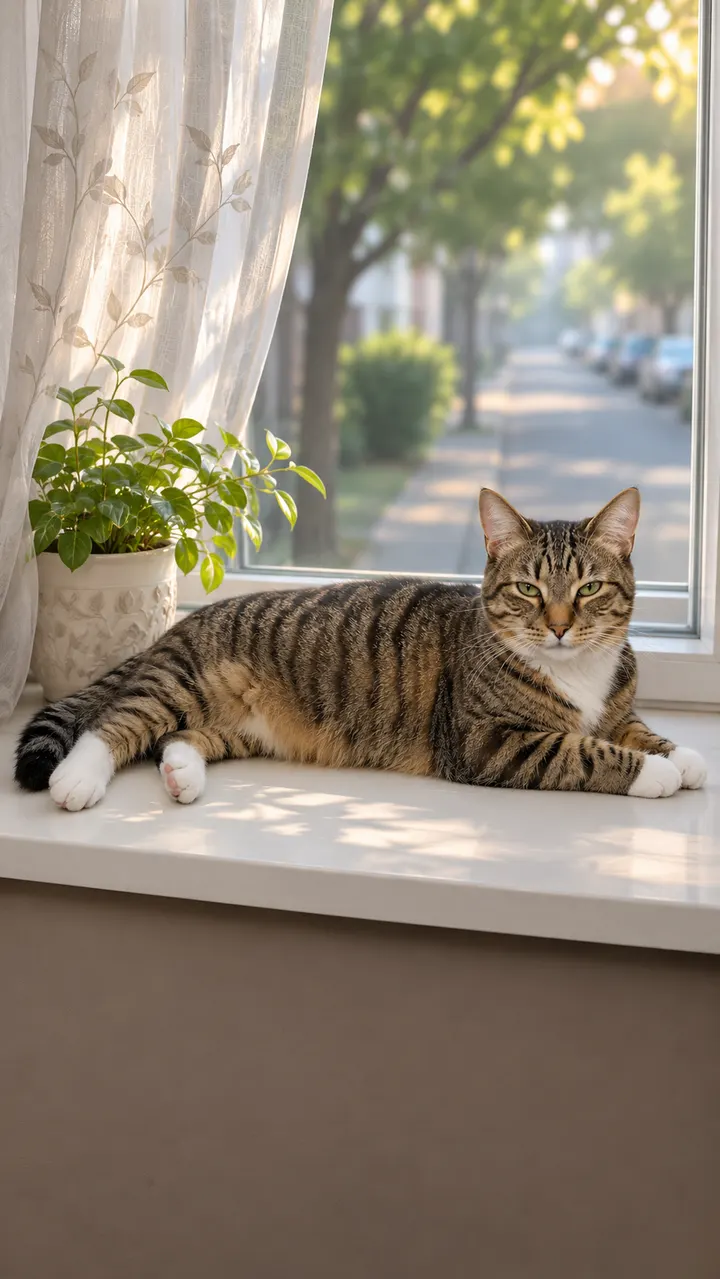
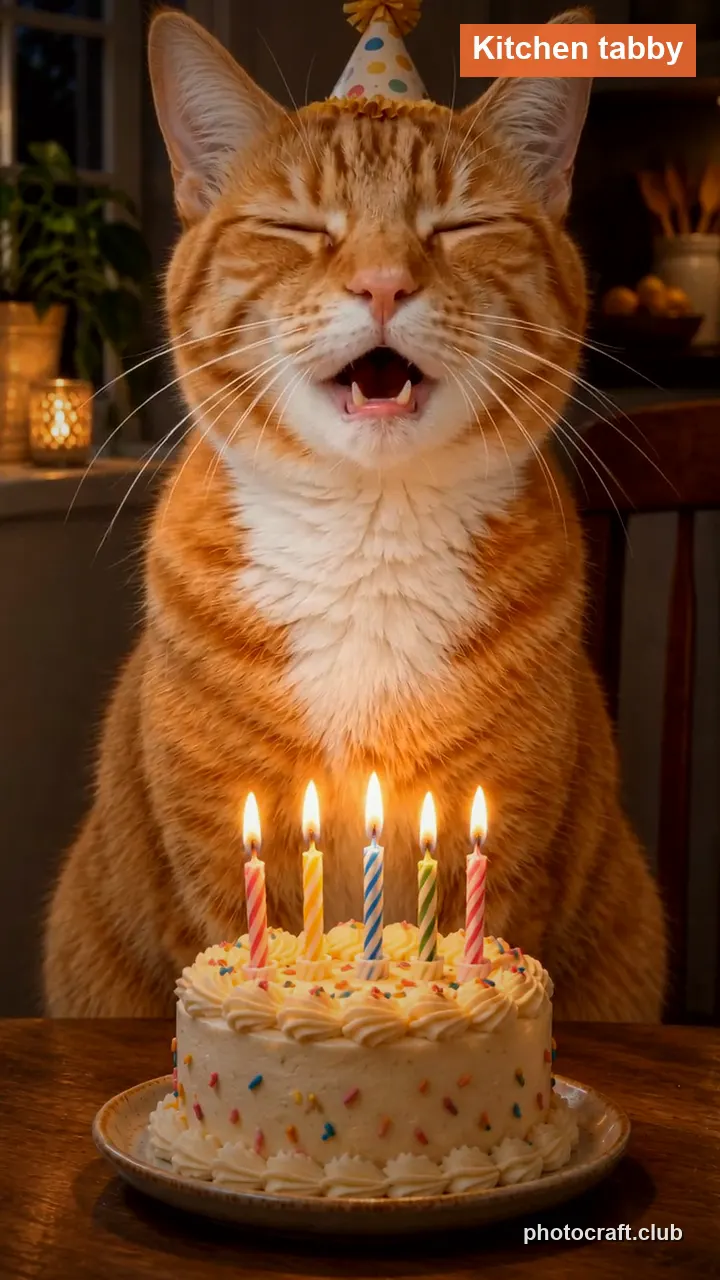
Tabby stretches on the windowsill
An AI tabby with white paws lies on a sunny windowsill, reaches its front paws over the edge with a wide yawn, then sits up and looks out at the street. Input requirement: one sharp upright 9:16 pet photo with full body and clear eyes, leash and clutter removed. Original acoustic music included.
Sample clip made with Seedance 2.0 Fast (9:16 vertical, 720p, audio on) from a single fixed pet photo.Use the Window Stretch preset
Fix the photo in the editor for pet photo to video AI
Open the photo in the PhotoCraft online editor, lift the dark fur, straighten the horizon, crop to 9:16 and paint out the leash, then Export the image. The clip copies the first frame, so anything left in the photo stays for all 10 seconds.
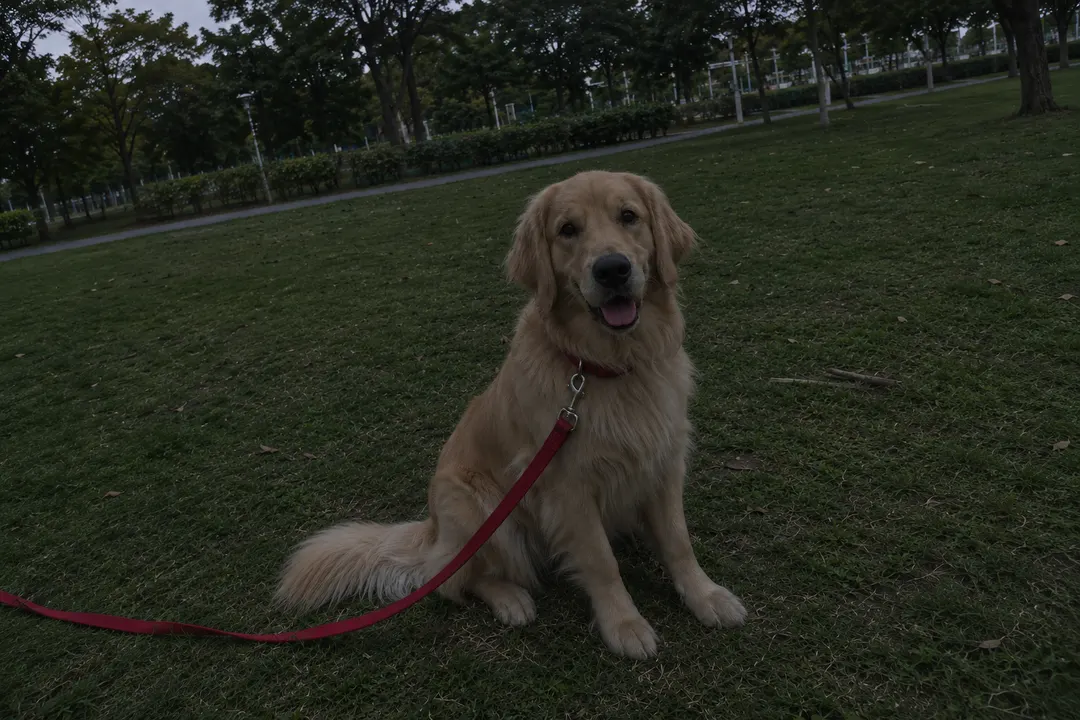
Before Phone snap: dim, wide frame, a red leash across the grass.After Brightened, level, cropped upright, leash gone.
Still only Both images were made with an image model on November 7, 2026 to show the three fixes above; the sample clips start from their own stills.
Lift the dark fur
Indoor and evening photos turn a golden coat muddy and hide a black cat's face. Raise brightness and shadows until the eyes and the markings read clearly; the video keeps those colors.
Straighten and crop to 9:16
Rotate until the horizon or the floor line is level, then crop upright with the whole body in view and some room above the head if the pet will jump or run.
Paint out the leash
A leash, a hand at the edge or a toy in the corner stays attached in every frame. Paint them out so the animal moves freely.
Fix the photo in the editor, upload it to Image to Video with the Run to Me or Window Stretch preset, then press generate and download the clip.
1
Fix
In the PhotoCraft online editor, lift the fur, level the horizon, crop to 9:16, paint out the leash and Export. Want a new background as well? Run the fixed photo through Image to Image first.
Keep the pet from the first frame and write three beats: ears up at 0–2 s, the run at 2–7 s, the sniff at the lens at 7–10 s; for a cat, swap in a stretch and a slow blink.
Use the photo as the first frame; keep the golden retriever exactly: the same face, coat colour and markings. One handheld vertical shot at dog height, one continuous take. 0-2 s: it tilts its head and its ears lift. 2-7 s: it jumps up and runs straight toward the camera across the grass, ears flopping, tongue out. 7-10 s: it slows down right at the lens, sniffs it and wags its tail, the nose large in frame. Natural dog gait, four legs, it keeps its real size. Original light acoustic guitar, no lyrics, with soft paw thumps and a happy pant. No text, no logos.
A small start, one big move, a close finish. Name the breed and the coat so the model keeps the same animal, and keep "four legs, real size" in the prompt.
Cat version
Cats look better slow. Pick the Window Stretch preset: eyes open, a long front-leg stretch with a yawn, then it sits up and blinks.
Which photo works for pet photo to video AI
One animal, eyes open, the whole body if it will run; keep the original file, fix light and framing in the editor, and leave other pets and people out.
Keep in the frame
One pet, sharp, eyes open. The whole body for a run, a jump or a stretch; head and chest are enough for a head tilt or a blink. Start from the original file, not a screenshot.
Leave out
Other pets, people, hands, leashes and text. Very blurry or heavily filtered photos give a weaker match, because fur colors and markings come from the photo.
The video copies the first frame, so a dark coat, a tilted horizon or a leash stays in every second. Fix them once in the PhotoCraft online editor and Export before you upload.
Can I animate an old or blurry photo?
Yes. Brighten and straighten it in the editor first and crop out the worn edges. Very blurry photos still give a weaker match, because the fur colors and markings come from the photo.
Can I animate a pet that passed away?
Yes. Pick a gentle move such as a slow blink or a head turn, and clean up the photo in the editor first so the face reads clearly.
Which moves look natural?
Dogs run, jump and tilt their heads well. Cats look best stretching, yawning or blinking; standing up and dancing works too but needs the whole body in the photo.
How are credits charged?
The presets use Seedance 2 Mini at 480p for 10 seconds, and the button shows the exact credits before you generate. Credits come in one-time credit packs; there is no subscription.
After pet photo to video AI: more AI video effects