Personalized Santa Video From Your Own Living Room
Add Santa to a photo of your room, write the name on the stocking in the PhotoCraft editor, then upload that still to Image to Video and Santa says the name. No photo of your child is needed.
The preset fills the prompt, model, ratio and duration. You can change every setting before you generate.
0:08
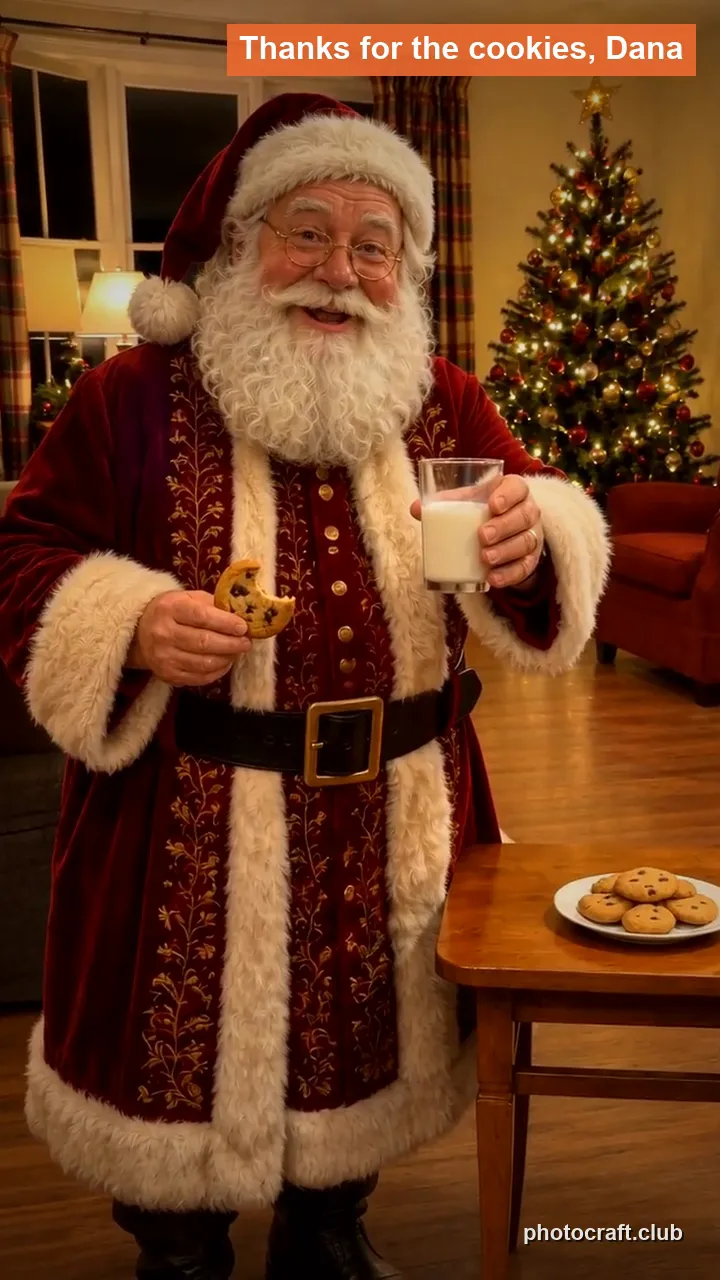
Thanks for the cookies, DanaArmchair Cookies presetUse this preset
0:08
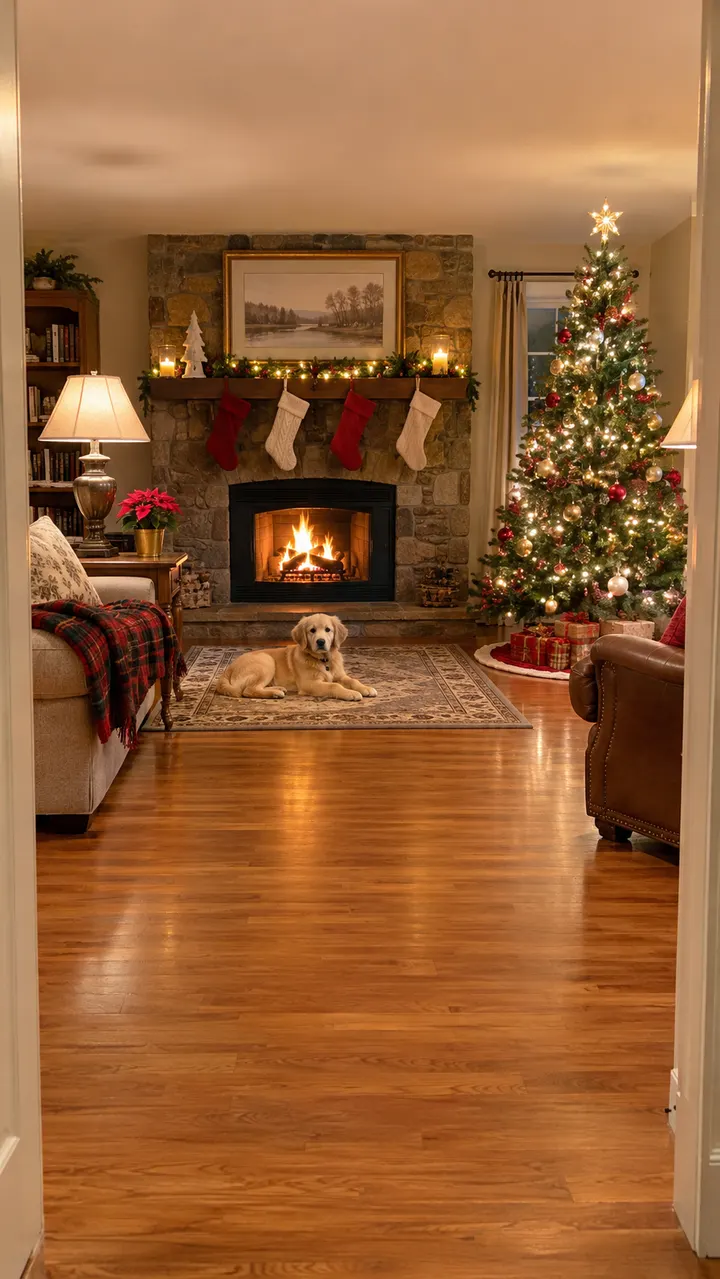
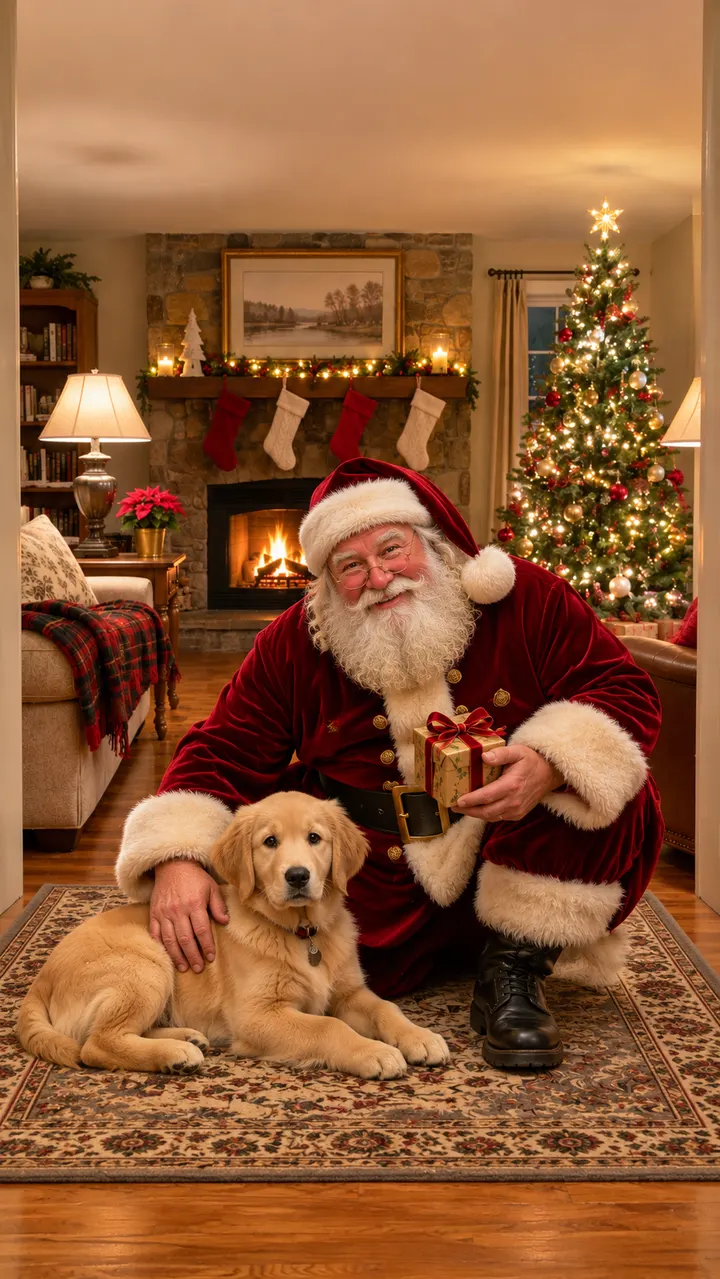
Merry Christmas, BiscuitFireplace Puppy presetUse this preset
Make your personalized Santa video
Pick a starting scene. It fills the prompt, model, ratio and duration below; edit anything, check the credit quote, then generate.
Fix the still in the editor first: write the name on the stocking, paint out mail and house numbers, then Export and upload the image here. Open the editor in a new tab
Preset: Armchair Cookies · filled in for you
Your clip appears hereAbove: what this preset made in our sample. Yours keeps your own still.
AI content needs review. Use only photos and prompts you have permission to process, and never upload a stranger or a child. Image references are uploaded through our server to KIE only when you submit. Results use temporary provider links. Privacy & retention · Credit rules.
Personalized Santa video examples from real rooms
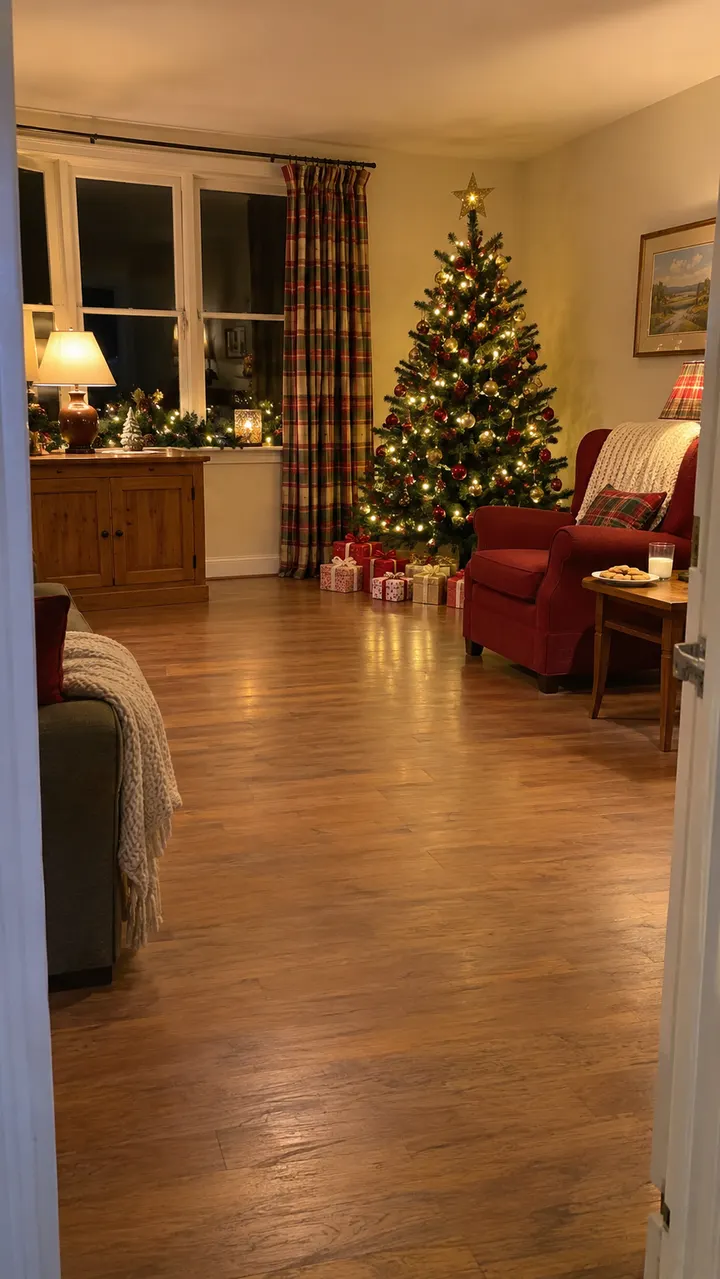
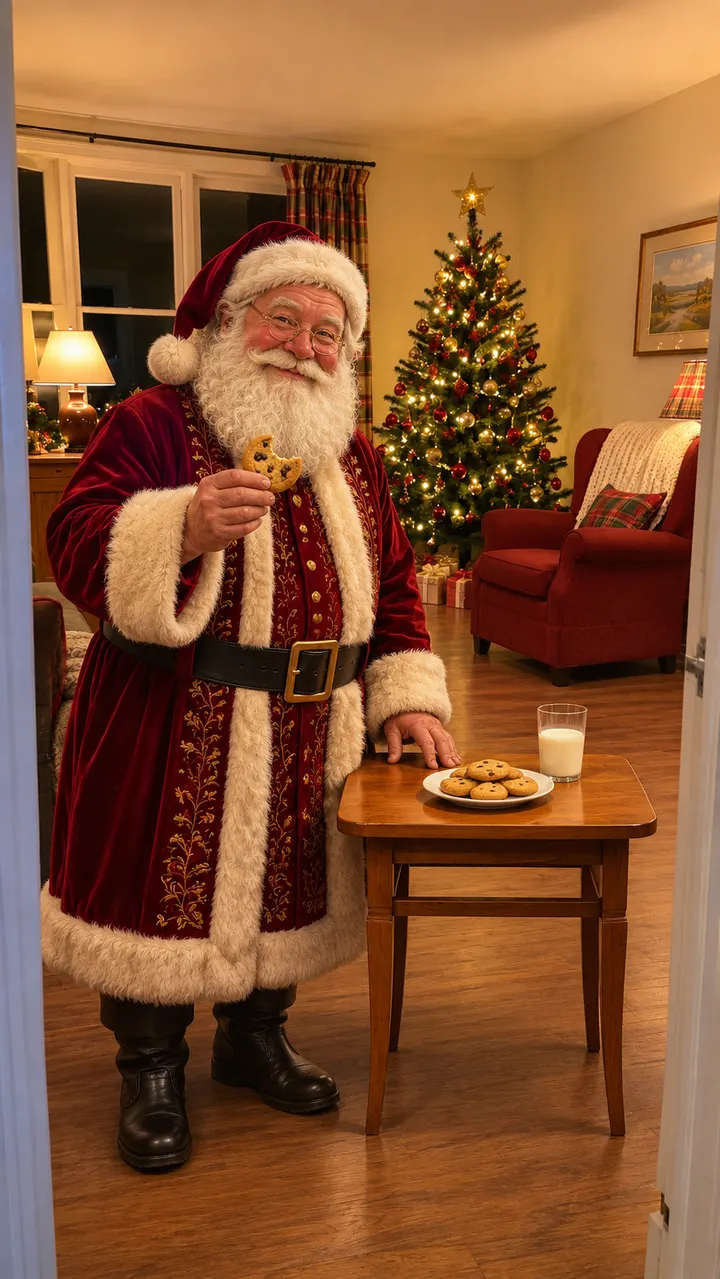
Two living rooms, each shown as the room photo, the still with Santa added, and the clip where Santa thanks Dana or hands Biscuit his present, plus two Nice List Frame clips for Maya and Rufus. Dana and Maya are invented grown-ups and Biscuit and Rufus are AI dogs; no child appears.
PhotoStill (first frame)Clip · 8 sec
Thanks for the cookies, Dana
Santa holds a cookie by the side table, lifts the glass of milk and thanks Dana, a grown-up who is not on screen. Input requirement: one clear upright 9:16 living-room photo, adult portrait or pet photo in warm indoor light. Warm Santa voice, sleigh bells and room audio included.
Sample clip made with Seedance 2.0 Fast (9:16 vertical, 720p, audio on) from a single room or portrait still.Use the Armchair Cookies preset
PhotoStill (first frame)Clip · 8 sec
Merry Christmas, Biscuit
Santa crouches on the rug, pats Biscuit, an AI golden retriever puppy, and sets a present beside him, then stands up. Input requirement: one clear upright 9:16 living-room photo, adult portrait or pet photo in warm indoor light. Warm Santa voice, sleigh bells and room audio included.
Sample clip made with Seedance 2.0 Fast (9:16 vertical, 720p, audio on) from a single room or portrait still.Use the Fireplace Puppy preset
PhotoStill (first frame)Clip · 9 sec
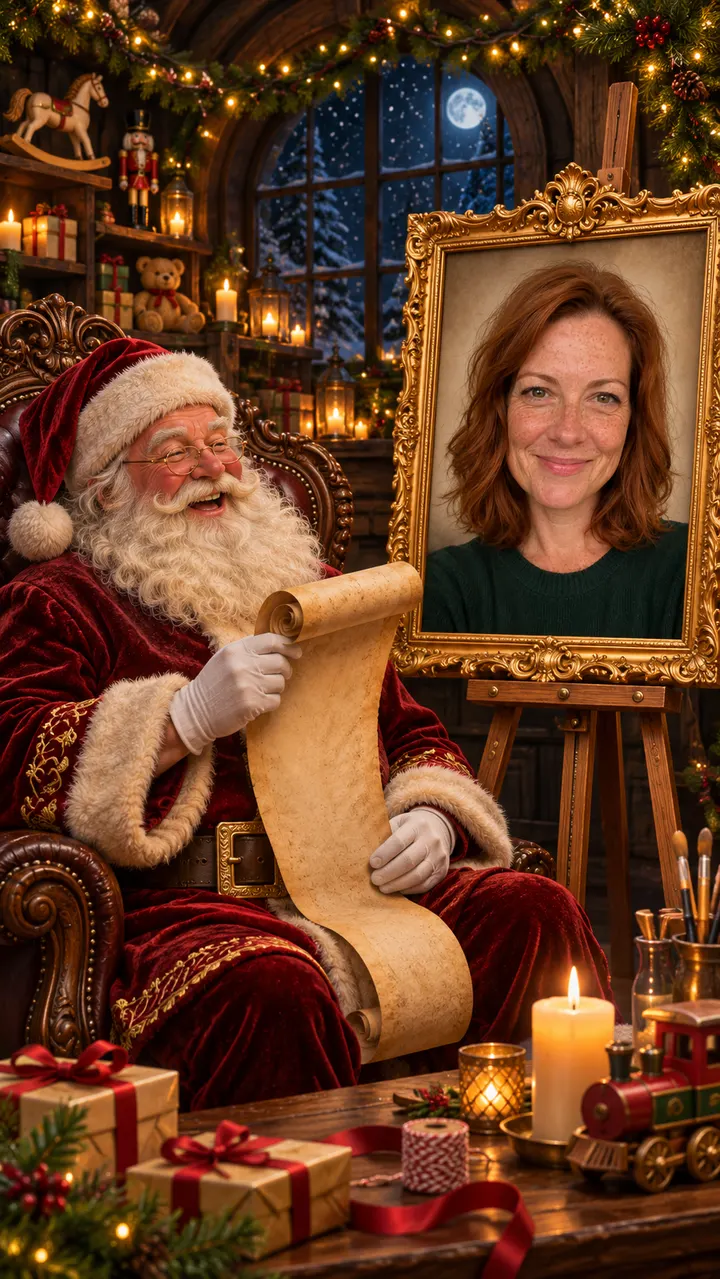
Nice List Frame · Maya
Santa reads a long scroll in a candle-lit workshop, stands and holds it toward the camera, then the gold frame lights up around Maya, an original adult, who smiles and laughs inside it. No writing is readable on the scroll. Input requirement: one clear upright 9:16 living-room photo, adult portrait or pet photo in warm indoor light. Warm Santa voice, sleigh bells and room audio included.
Sample clip made with Seedance 2.0 Fast (9:16 vertical, 720p, audio on) from a single room or portrait still.Use the Nice List Frame preset
PhotoStill (first frame)Clip · 8 sec
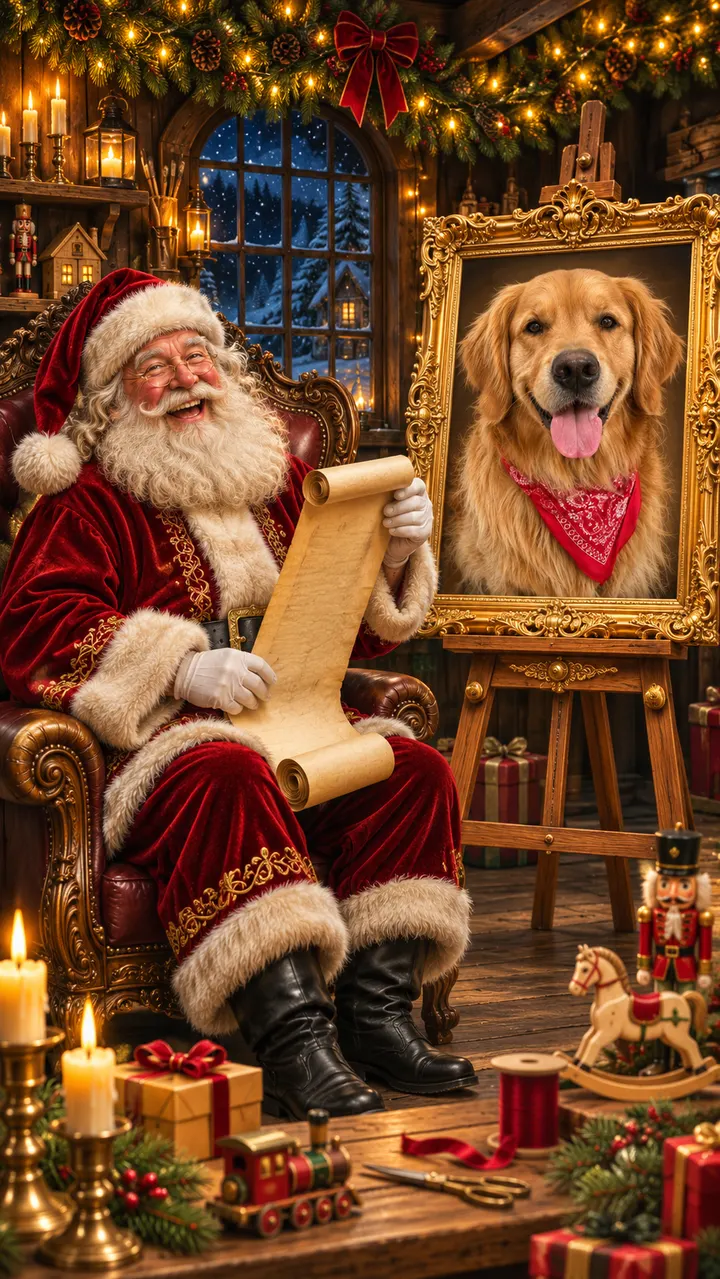
Nice List Frame · Rufus
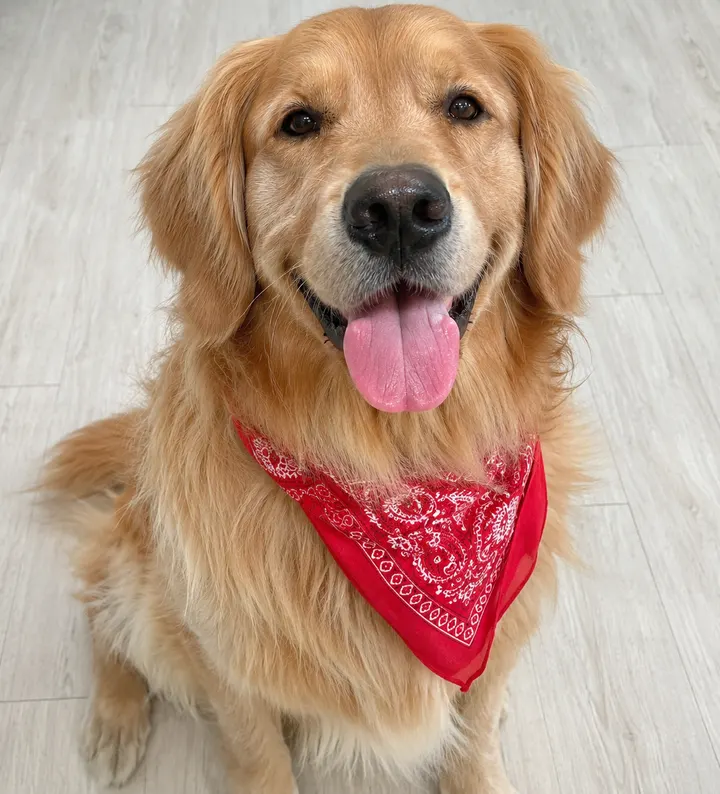
Santa checks the scroll, gets up beside the easel and a beam of gold sparkles lights the frame around Rufus, an AI golden retriever in a red bandana. Input requirement: one clear upright 9:16 living-room photo, adult portrait or pet photo in warm indoor light. Warm Santa voice, sleigh bells and room audio included.
Sample clip made with Seedance 2.0 Fast (9:16 vertical, 720p, audio on) from a single room or portrait still.Use the Nice List Pet preset
Fix your personalized Santa video still in the editor
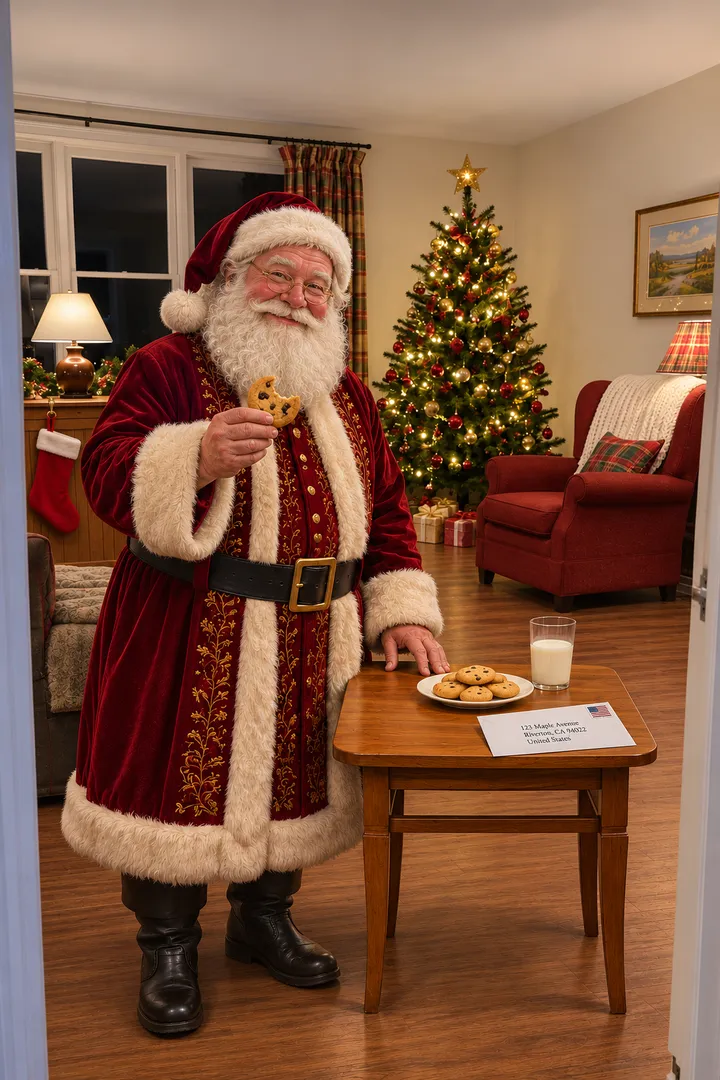
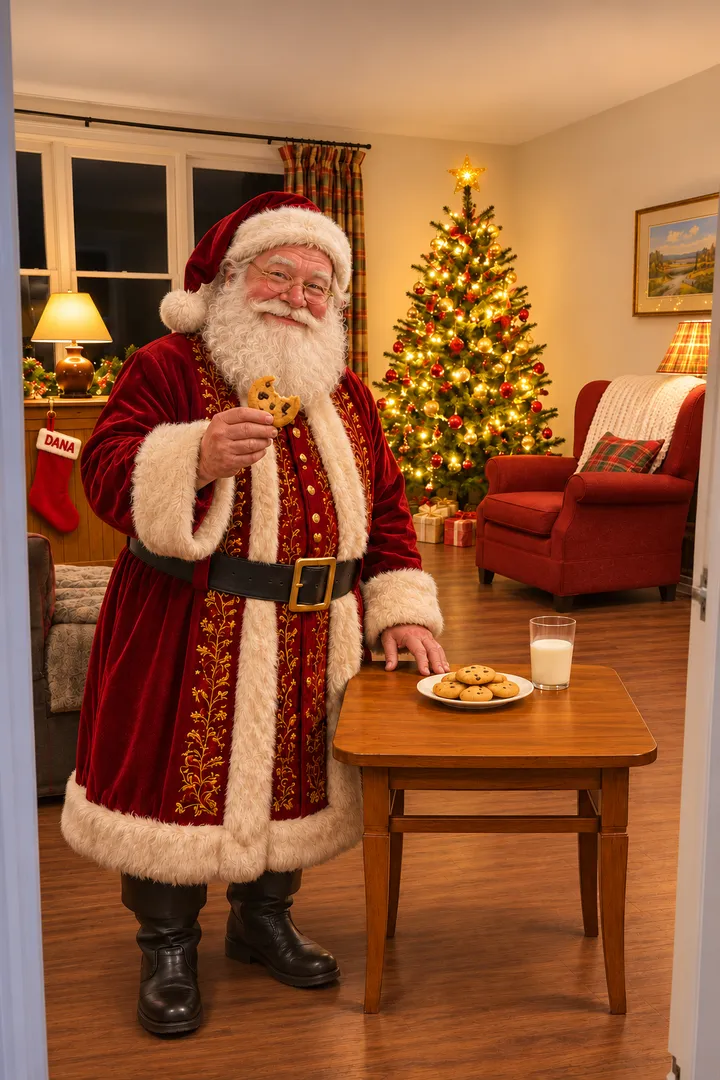
Open the still in the PhotoCraft online editor, type the name on the stocking, paint out letters and house numbers, warm the lights, then Export the image. The video copies the first frame, so anything wrong in the still stays in every second.
Before AI still: blank stocking, an addressed envelope on the table, flat light.After DANA on the stocking, envelope gone, lights warmed.
Still only Both images were made with an image model on November 6, 2026 to show the three fixes above; the sample clips start from their own stills.
Write the name on the stocking
AI often misspells names. Add a text layer over the stocking or a gift tag and type the name yourself, in the spelling the child knows.
Remove mail and house numbers
Letters on the table, an envelope with your address or a number by the door can end up readable. Paint them out before you share the clip.
Warm the lights and export
Lift the warmth and brightness a little so the tree lights glow, then Export a flat image. The editor runs in your browser and is checked on desktop Chromium.
Take an empty room photo, add Santa in Image to Image, fix the still in the editor, then upload it to Image to Video with the Santa preset on this page.
1
Room photo
Take an upright photo of the room with the lights on and nobody in it, the tree or fireplace in view.
2
Add Santa
Upload the room to Image to Image and ask for an original Santa by the tree, holding a cookie or crouching by the fire.
Personalized Santa video prompt for Image to Video
Keep the room and Santa from the first frame and write three beats: a bite of cookie at 0–3 s, the line with the name at 3–7 s, a wink at 7–10 s.
Use the photo as the first frame; keep the room and Santa exactly. One steady handheld vertical shot. 0-3 s: Santa takes a bite of the cookie and smiles. 3-7 s: he lifts the glass of milk toward the camera and says warmly, "Thank you for the cookies, [NAME]. You made the nice list again." 7-10 s: he winks, sets the glass down and taps the side of his nose. Soft original sleigh bells and a low warm room tone, no lyrics. No text, no logos, no children.
3–7 sHe lifts the milk and says the line with the name
7–10 sHe winks and taps the side of his nose
The three beats
Ten seconds holds one action, one line and one ending. More than that and the model rushes or drops a beat.
Where the name goes
Put the name inside the quoted line and spell it the way it sounds. Speech comes from the video model, so play the result back and generate again if the name is unclear.
Shooting the room for a personalized Santa video
Lights on, nobody in the shot, the tree or fireplace in view, clear floor in the middle, and shoot in the same direction as the clip: upright for 9:16.
Keep in the frame
The tree, the fireplace or an armchair, lamps and tree lights switched on, and an empty patch of floor where Santa can stand. Hold the phone at chest height.
Leave out
People, children and pets you do not want in the clip, mirrors that show you taking the photo, and mail or house numbers you would rather not share.
Santa nice list version of the personalized Santa video
Crop your portrait to chest height in the editor, put it in a gold frame beside Santa with Image to Image, pick Nice List Frame, and Image to Video shows Santa checking his scroll before your photo glows in the frame.
Crop the portrait in the editor
One adult, chest up and facing the camera, or one pet with the whole head, eyes and ears in view. Crop it upright and lift the light in the PhotoCraft online editor, then Export. No photos of children.
Pick Nice List Frame
Image to Video takes one image as the first frame, so first ask Image to Image for an original Santa with a scroll in a candle-lit workshop and your portrait in an ornate gold frame on an easel. Upload that still and pick Nice List Frame, or Nice List Pet for a dog or cat.
Generate the reveal
Change the name inside the quoted line, check the credit quote on the button and generate. The scroll stays blank on purpose, so no misspelled list ends up on screen.
The video copies the first frame, so a misspelled name, a house number or a letter on the table stays in every second. Fix them once in the PhotoCraft online editor, then animate.
Does anyone have to be in the room photo?
No. The room stays empty; Santa is added in the still and the name goes in the prompt, so no child or family photo is uploaded.
Can the name be for a grown-up or a dog?
Yes. Any name works: Santa can thank a partner for the cookies, tell a parent they made the nice list, or give the dog its own present.
Is there a subscription?
No. Credits come in one-time credit packs on the pricing page, and the button shows the cost before each run. The Armchair Cookies preset is Seedance 2 Mini at 480p for 10 seconds.
Can I edit the still on my phone?
The editor is checked on desktop Chromium. On a phone, build the still and do the fixes on a computer, then upload the exported image from either device.
How early should I start before Christmas?
Leave a few days for the still, the edit and a second run, and have the clip ready before December 24 so it plays on Christmas Eve.
How do I make the Santa nice list version?
Crop one portrait to chest height in the editor, place it in a gold frame beside Santa with Image to Image, then pick Nice List Frame and generate. Santa checks his scroll and your photo glows in the gold frame.
Can I put my pet on the nice list?
Yes. Use one pet photo with the eyes and ears clear and pick Nice List Pet; your dog or cat sits in the gold frame like a living portrait.
After your personalized Santa video: more AI video effects