Grinch Pet AI Trend: Brighten, Frame the Paws, Turn Green
Brighten your pet photo in PhotoCraft and frame it from ears to paws, then Image to Video shows your real pet turning green in a Santa hat and grinning.
Pick a starting scene. It fills the prompt, model, ratio and duration below; edit anything, check the credit quote, then generate.
Fix the still in the editor first: turn it upright with the ears and paws in the frame, lift the light and clear the flash glare in the eyes, then Export and upload the image here. Open the editor in a new tab
Preset: Sofa Corgi · filled in for you
Your clip appears hereAbove: what this preset made in our sample. Yours keeps your own still.
AI content needs review. Use only photos and prompts you have permission to process, and never upload a stranger or a child. Image references are uploaded through our server to KIE only when you submit. Results use temporary provider links. Privacy & retention · Credit rules.
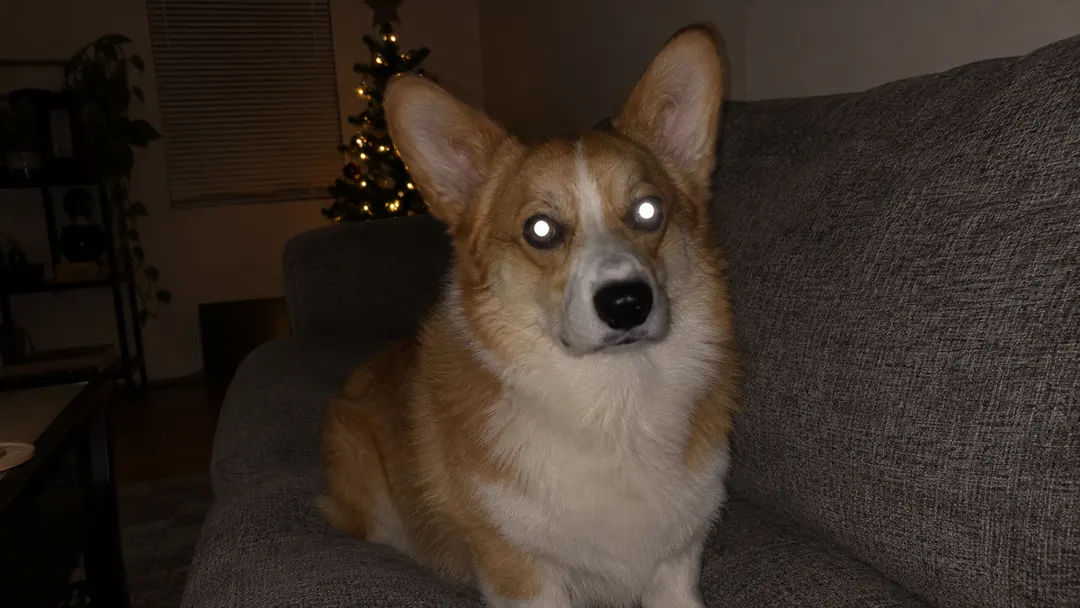
Grinch pet ai trend before and after the editor
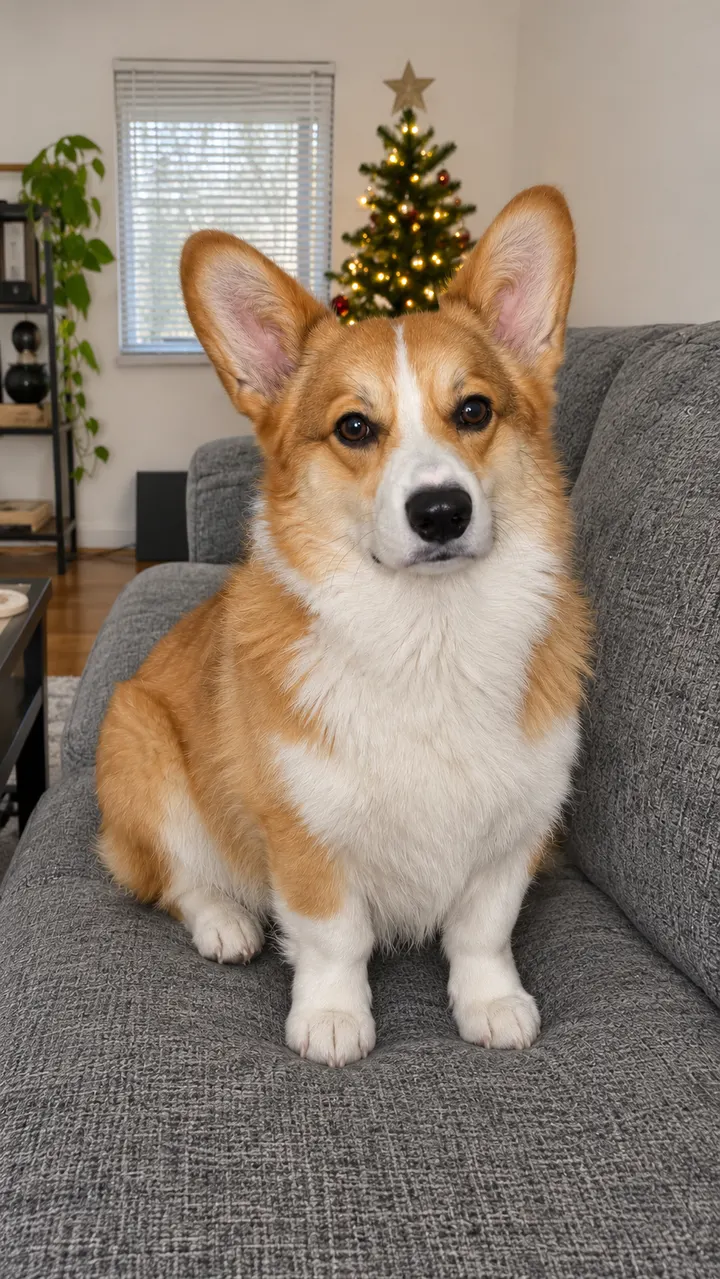
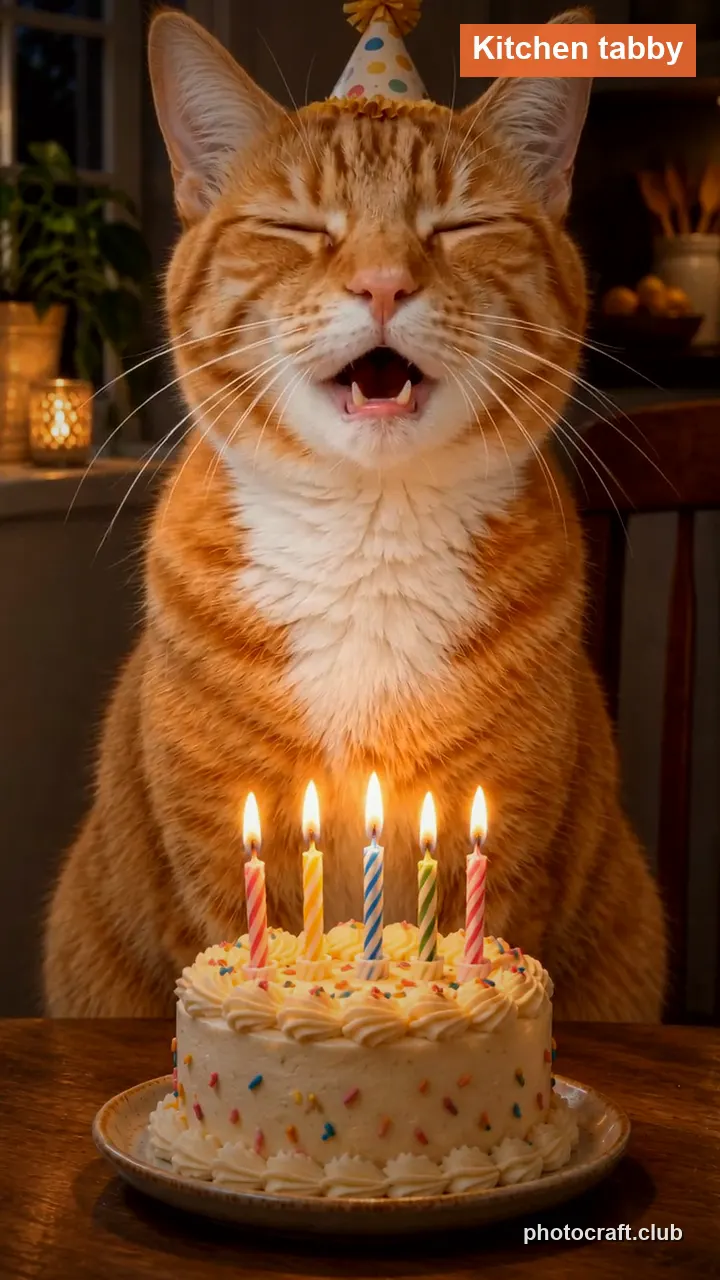
A corgi as a dark sideways snap, as an upright bright ears-to-paws photo that becomes the first frame, and as a clip where it turns green by the tree, with a tabby by a present as the cat card.
PhotoStill (first frame)Clip · 9 sec
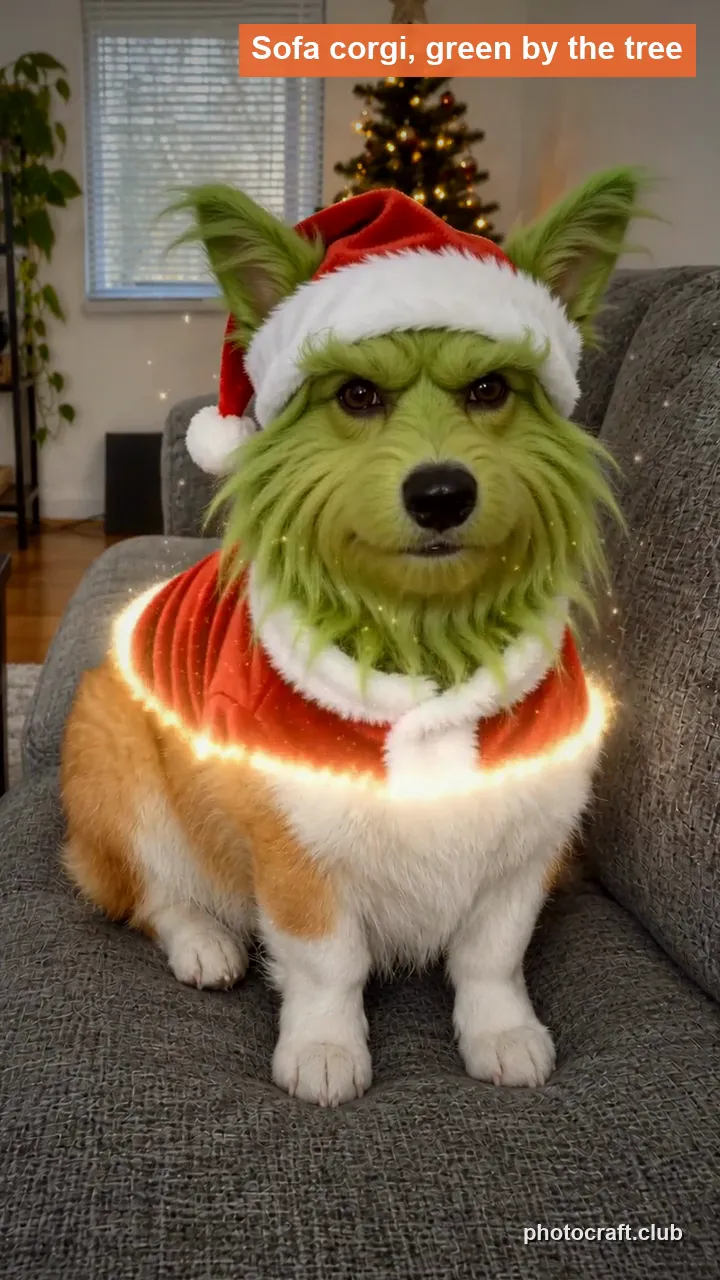
Sofa corgi, green by the tree
An AI corgi sits on a grey couch in front of a lit tree; a glow runs over its ears, its fur turns shaggy green, a red Santa hat and suit appear, and it ends on a wide toothy grin. Input requirement: one clear upright 9:16 pet photo showing ears to paws in even indoor light without flash glare. Original playful Christmas instrumental included.
Sample clip made with Seedance 2.0 Fast (9 s, 9:16 vertical, 720p, audio on) from a single upright pet photo.Use the Sofa Corgi preset
Still (first frame)Clip · 9 sec
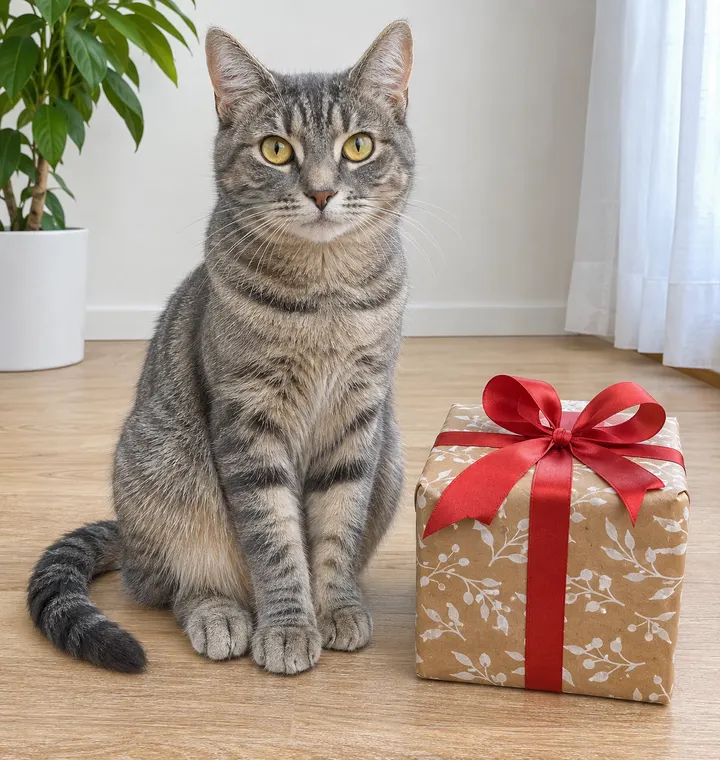
Present cat, green smirk
An AI grey tabby sits on a wood floor next to a wrapped present; a sparkle turns its fur green and adds a Santa hat and red coat, then it lifts a paw and gives a sideways smirk. Input requirement: one clear upright 9:16 pet photo showing ears to paws in even indoor light without flash glare. Original playful Christmas instrumental included.
Sample clip made with Seedance 2.0 Fast (9 s, 9:16 vertical, 720p, audio on) from a single upright pet photo.Use the Present Cat preset
Fix the pet photo for the grinch pet ai trend
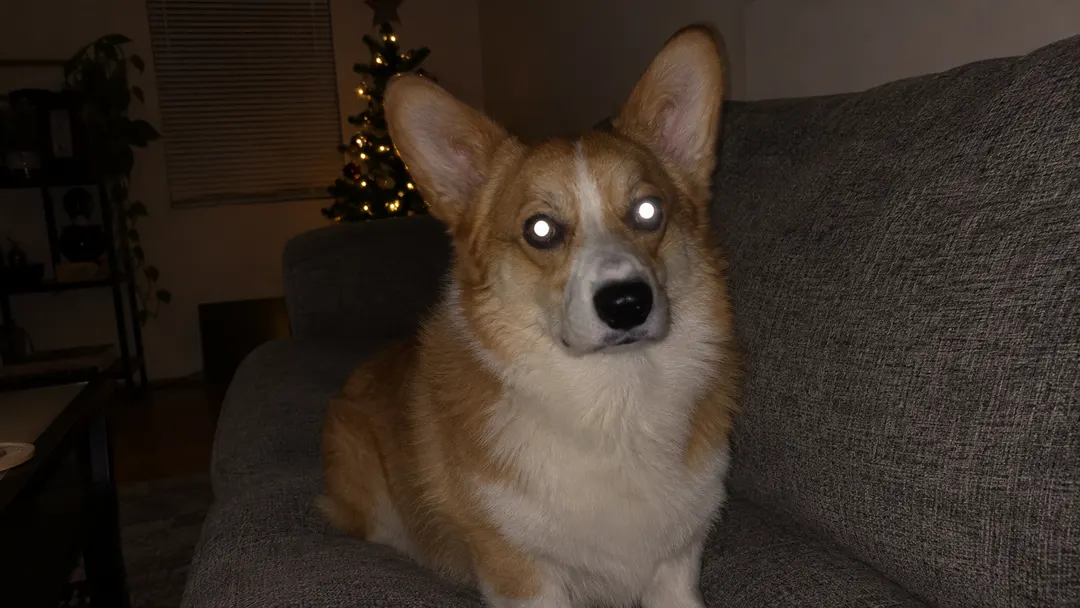
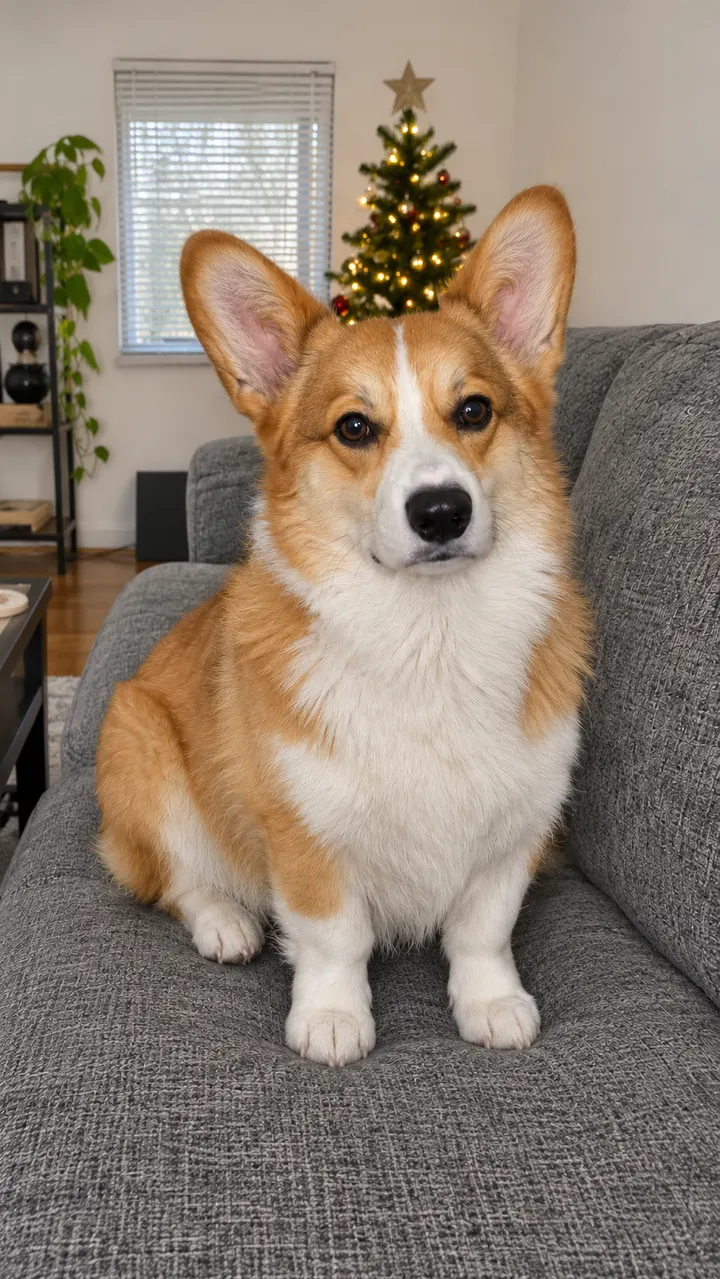
Load the snap into the PhotoCraft online editor, turn it upright with the ears and paws inside the frame, lift the brightness, dab out the flash glare in the eyes and Export. The clip starts on your photo, so a dark room, cut-off paws or white flash eyes carry straight into it.
Before Snap: sideways, dark, paws cut off, flash in the eyes.After Upright ears to paws, brighter, eyes clear. This is the clip's first frame.
Still only Both images were made with an image model on November 11, 2026 to show the three fixes above, not exported from the PhotoCraft editor; the corgi clip starts from the image on the right.
Upright from ears to paws
The little Santa suit needs the whole pet. Crop to 9:16 with the ears near the top and the paws inside the bottom edge; a face-only photo gets the hat and green fur only.
Lift the light
Evening snaps on the couch come out muddy. Raise brightness and shadows until the fur colors and the eyes read clearly.
Clear the eye glare
Phone flash turns pet eyes white or green. Dab the glare out so the eyes look like your pet's own before they narrow into the grin.
The fixed photo goes into Image to Video, Sofa Corgi or Present Cat loads the scene, one press renders the change, and the MP4 lands in your downloads. No CapCut template needed.
1
Fixed photo
Crop to 9:16 from ears to paws, lift the light and clear the eye glare in the PhotoCraft online editor, then Export. Want the tree or a present in the background? Place your pet there with Image to Image first.
Keep the room, the ears and the eyes from your photo, let a soft shimmer turn the fur green and add a red Santa hat and suit, then end on a slow sly grin to the lens.
Use the photo as the first frame; keep the room, the couch and the pet's ears, eyes and body shape. One fixed vertical phone shot. 0-3 s: the pet sits and tilts its head at the camera. 3-5 s: a soft shimmer runs over it from the ears down and its fur turns bright green and shaggy while a red Santa hat and a small red Santa suit with white trim appear. 5-10 s: it narrows its eyes, gives a slow sly grin to the camera, raises one eyebrow and settles back, the tree lights twinkling behind. Natural animal anatomy, paws not hands, a generic green furry grump, not any existing character. Original playful Christmas instrumental, no lyrics. No text, no logos.
0–3 sYour pet sits and tilts its head at the camera
3–5 sA shimmer turns the fur green; hat and suit appear
5–10 sNarrowed eyes and a slow sly grin to the lens
Words that keep your pet
Name what must stay: the room, the couch, the ears, the eyes and the body shape. Add "paws not hands" so the paws stay paws after the change.
Words for the change
Describe the look, not a film character: bright green shaggy fur, a red Santa hat, a small red suit with white trim, and "a generic green furry grump".
Grinch pet ai trend starts with a sharp pet photo
One pet, face, both eyes and ears sharp, shot from the front at its eye level in daylight; two pets means two photos and two clips.
Photos that work
One dog or cat, front-on at its eye level, both eyes and ears in focus, ears to paws in view, daylight or a bright room. Collars and sweaters are fine; the suit covers them.
Photos that drift
Two pets in one frame, a pet seen from above, motion blur, sunglasses or costumes over the face, and flash shots you have not cleaned up.
The clip starts on your photo, so a dark room, cut-off paws or white flash eyes carry straight into it. Fix them once in the PhotoCraft online editor and Export before you upload.
Do I need the whole body?
For the little Santa suit, yes: ears to paws in an upright frame. A face-only photo gets the hat and green fur only.
Will the collar or sweater stay?
No. The suit replaces collars and sweaters, so there is no need to edit them out.
Is this the Grinch from the films?
No. It is a generic green, furry Santa grump. The film character is copyrighted, and the presets describe a look rather than copying its face.
What does one clip cost?
The presets use Seedance 2 Mini at 480p for 10 seconds, and the button shows the exact credits before you render. Credits come in one-time credit packs; there is no subscription.
After the grinch pet ai trend: more AI video effects